



“Should I compare handheld thermal imagers by resolution?” was a comment we received from a reader last week. It highlights one of the biggest questions people have when choosing a thermal imager: How important is resolution really?
Resolution is important, but it’s not the only factor. Display quality, thermal sensitivity, lens options, and imaging modes also affect performance.
- Higher resolution helps separate closely packed engine bay components and avoid merged heat sources.
- Beyond resolution, display quality, temperature accuracy, and lens design also affect inspection performance.
- Choose the right thermal imager based on your inspection needs.
If your main application is automotive repair or fault diagnosis, which specifications should you focus on? We’ll break them down one by one based on real-world inspection scenarios.
1. Why Resolution Is the Most Important Specification?
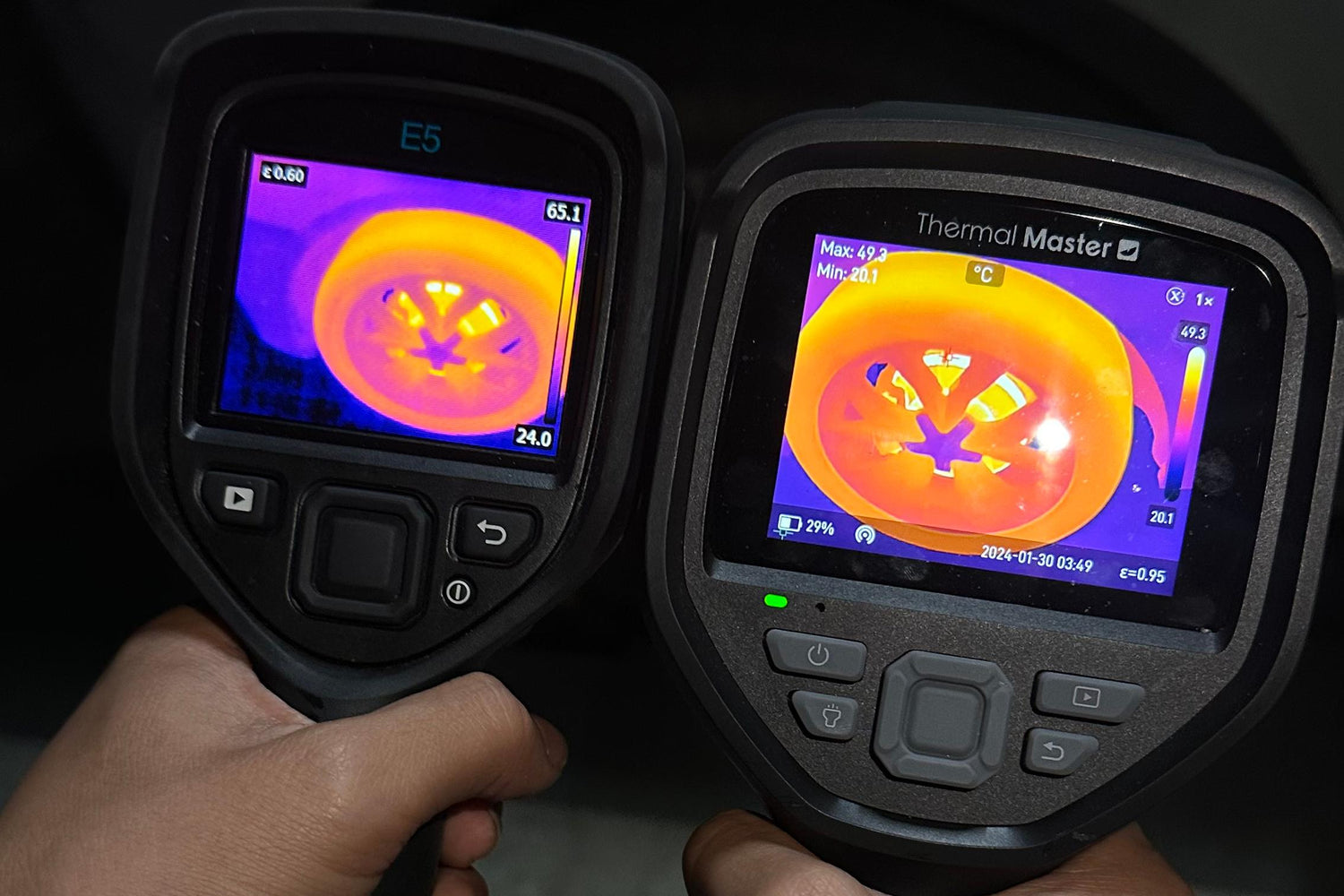
If you have ever worked on a MINI Cooper S engine bay, you probably know what “packed in like sardines” feels like. Coolant hoses, wiring harnesses, and exhaust components are all tightly arranged, with one heat source often sitting right next to another. Higher resolution helps technicians separate nearby heat sources, avoid blurry hotspots, and locate faults faster.

From this comparison between the Thermal Master Thor and FLIR thermal imagers, it is clear that Thor with 512×384 super-resolution provides better detail, sharper edges, and clearer separation of heat patterns between nearby components.
2. What Else Matters Beyond Resolution?
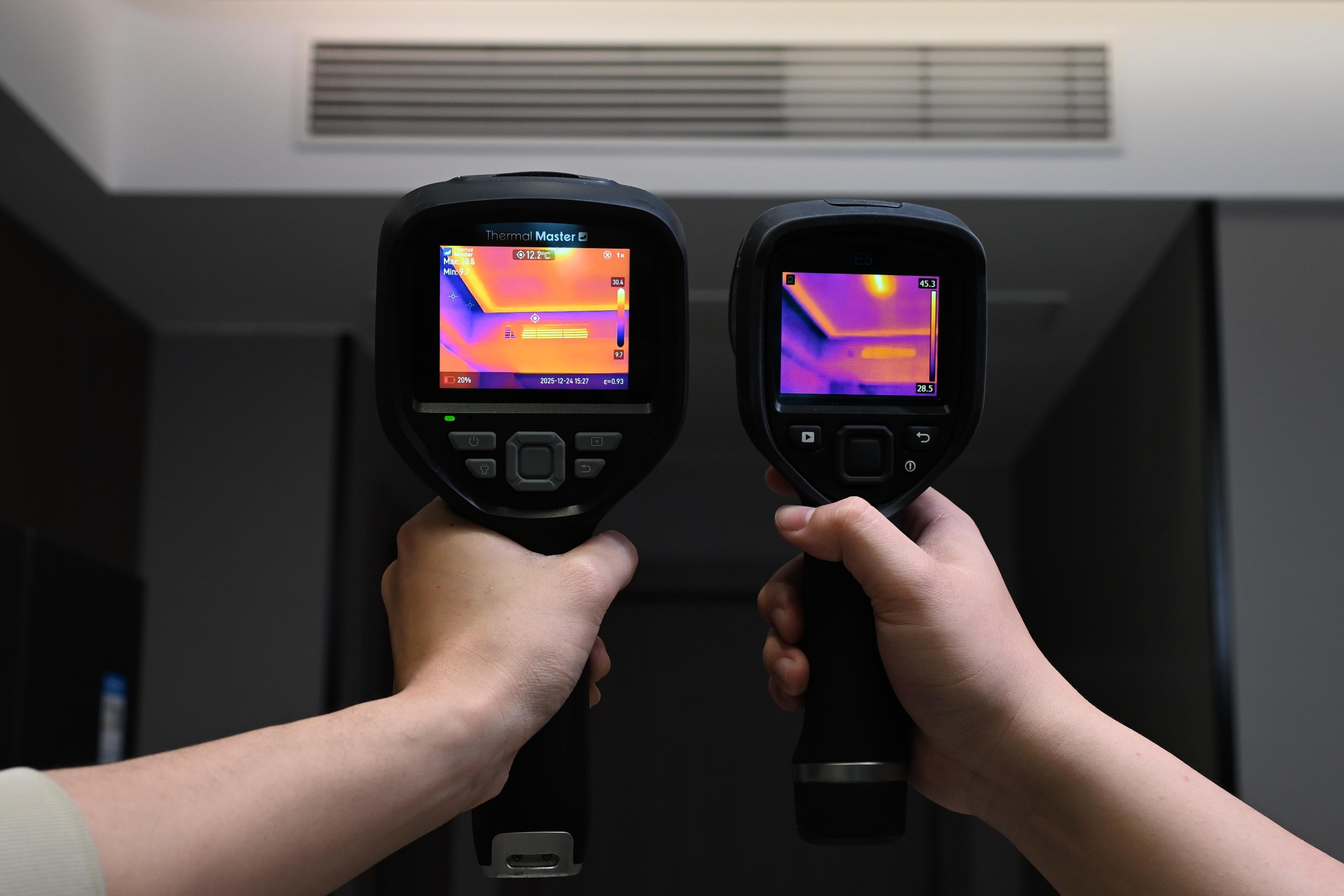
To better demonstrate the differences, we conducted simulated tests based on real automotive inspection scenarios. With the same emissivity and shooting distance maintained, we compared the imaging performance of thermal imagers with different specifications across various situations.
IPS Display for Clearer Thermal Inspection
Thor features a 3.5-inch 640×480 IPS display, providing a larger viewing area with clear brightness and accurate colors even from different angles. This level of display quality is more commonly seen on thermal imagers priced above $1,000.
By comparison, FLIR’s comparable models use a 2.4-inch 320×240 color LCD display, offering a smaller screen and less detail when viewing thermal images.
Higher Thermal Sensitivity, More Reliable Measurements
Max is an automotive technician based in Montana. Last month, he worked on six EVs, with four requiring PCB-level troubleshooting. With Thor’s optional macro lens, he was able to get a closer look at small components like MOSFETs and ICs. Its high thermal sensitivity and accurate temperature readings helped him spot small temperature differences and find potential issues faster.
Compared with FLIR models in the same category, Thor offers more flexibility for detailed inspections thanks to its macro lens support.
 More Flexible Lens Options
Mike, an automotive technician from Texas, has been working on vehicles for over 30 years. Two years ago, he started using Thor for everyday diagnostics.
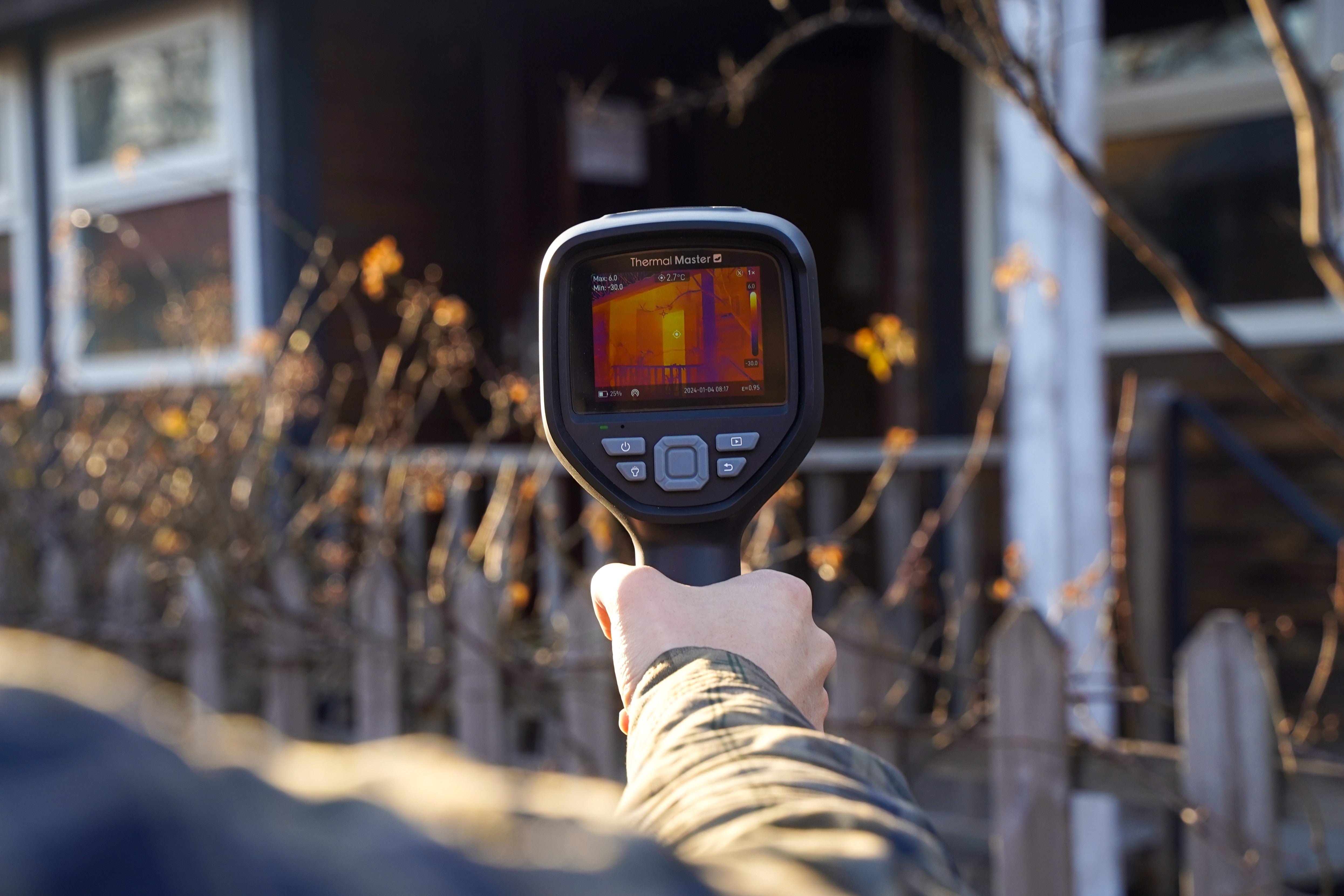
Over the years, I’ve dealt with all kinds of engine bay issues. The extended lens allows me to inspect radiators, coolant hoses, and wiring harnesses without getting too close to the vehicle, helping me spot unusual heat patterns faster.”
While FLIR relies on a standard lens design, Thor’s extended lens increases detection distance by 34.4%. With 8× digital zoom, technicians can inspect radiators, coolant hoses, and wiring harnesses from a more comfortable distance.
3. Which Thermal Imager Is Right for You?

Comparing handheld thermal imagers by resolution is a good starting point, but it doesn't tell the whole story. Display quality, thermal sensitivity, lens options, imaging modes, and overall usability can have just as much impact on real-world automotive diagnostics.
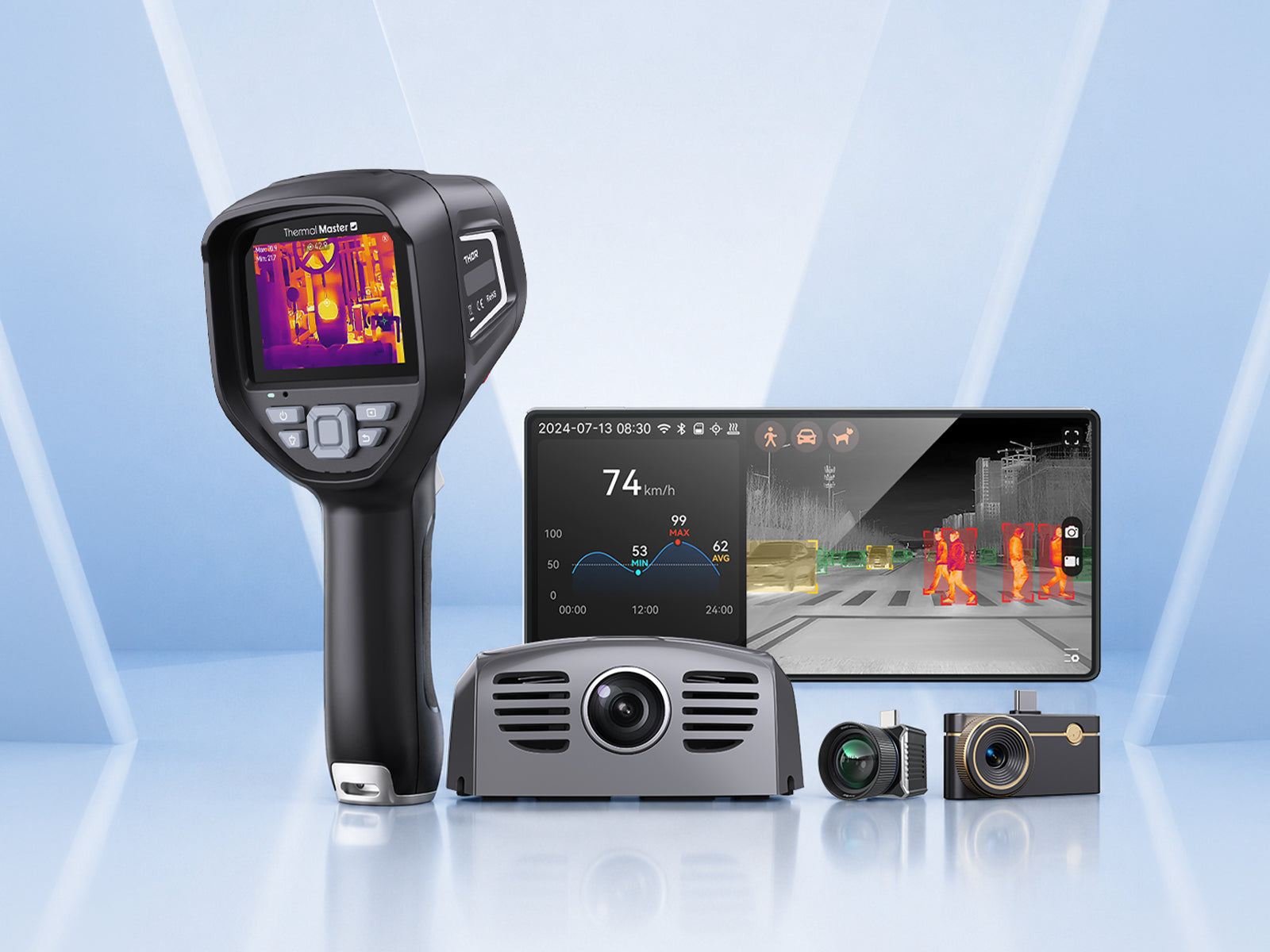
Compared with FLIR models in the same class, the Thor series offers a larger IPS display, lower NETD, optional macro and extended lenses, more imaging modes, and wireless image transfer with PC reporting. These features make it equally capable of handling detailed PCB work and routine engine bay inspections, giving technicians more flexibility across different automotive jobs.
4. FAQ
1. Does the camera support automatic hot spot and cold spot detection?
Yes. The device can auto-track and mark the maximum hot spot and minimum cold spot on the screen in real time. You can turn this tracking function on or off directly in the measurement menu.
2. Is the computer software free to use?
Yes. The official PC analysis software can be downloaded from our official website with no license fees or hidden charges. It supports full data analysis, parameter adjustment and one-click diagnostic report export.
3.Can the data be transmitted wirelessly?
Yes, wireless transmission is available for mobile phones via built-in Wi-Fi.

Hinterlasse einen Kommentar
Alle Kommentare werden vor der Veröffentlichung geprüft.
Diese Website ist durch hCaptcha geschützt und es gelten die allgemeinen Geschäftsbedingungen und Datenschutzbestimmungen von hCaptcha.