



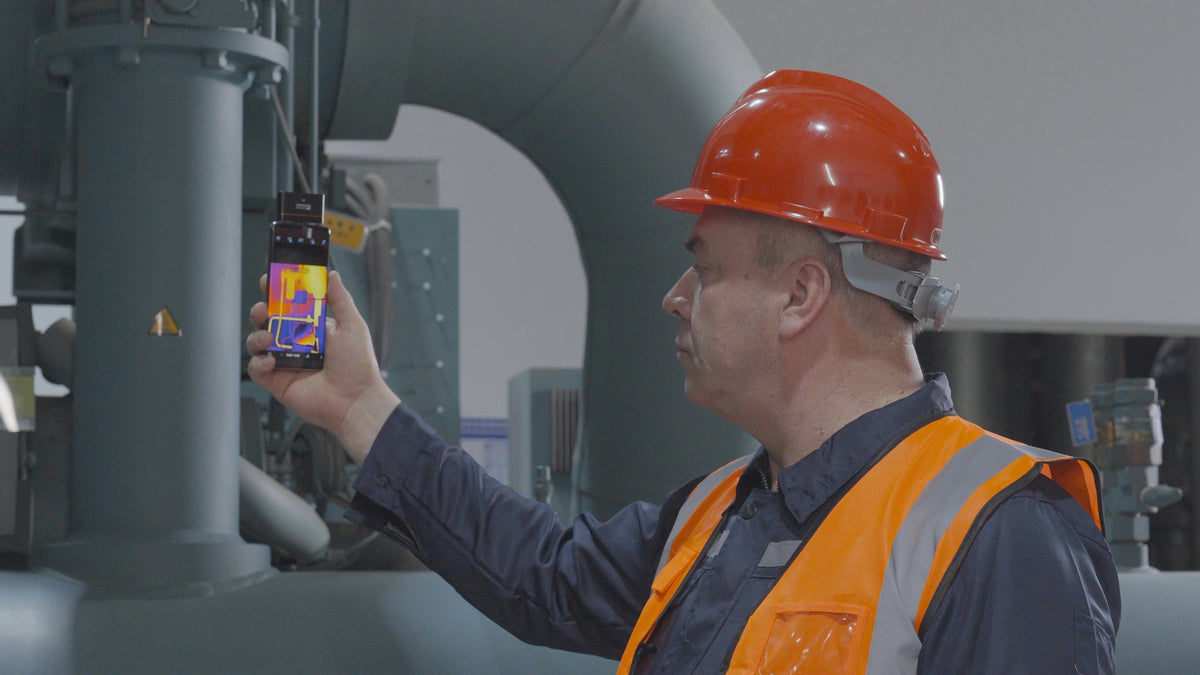
A thermal camera for Android turns your phone into a compact inspection tool, helping you quickly locate subtle faults, see thermal details clearly, and measure temperatures accurately.
How Does a Thermal Camera Work with Android?
A standard phone camera captures visible light, so it cannot create a true thermal image by itself. A thermal camera module uses an infrared detector to sense infrared radiation from surfaces and convert it into a thermal image.
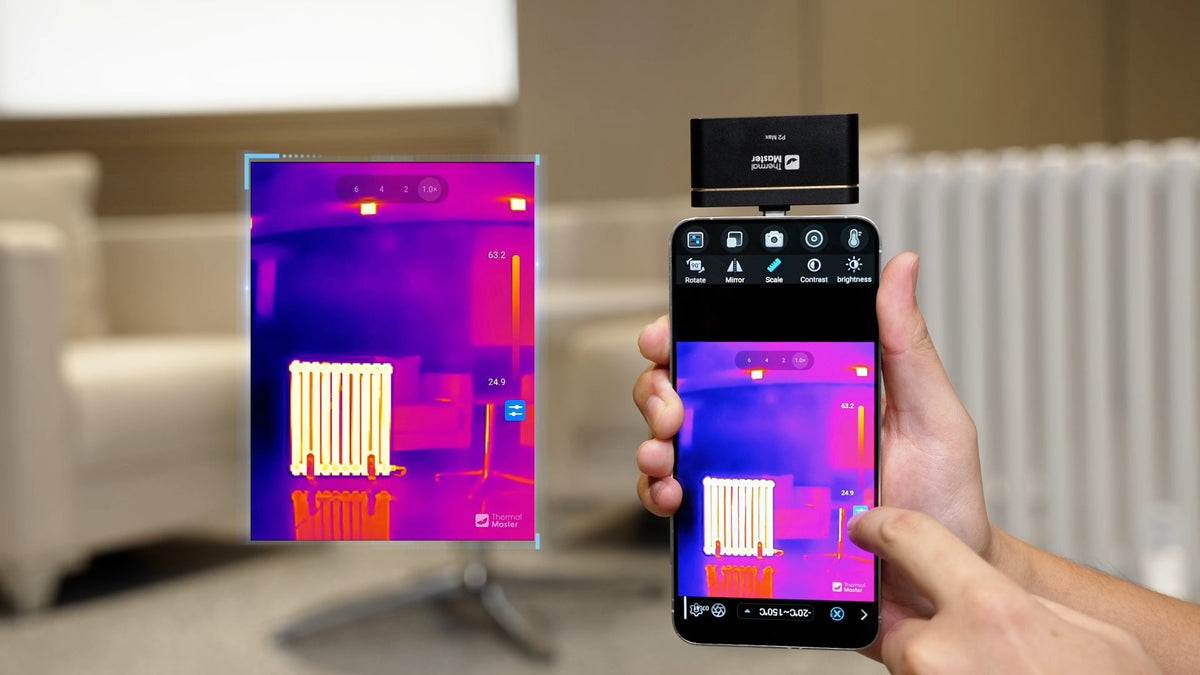
After connecting a thermal camera for Android to a compatible phone, the thermal image appears in the app. The phone becomes the display and control interface, allowing users to scan equipment, measure temperatures, save images, and review abnormal heat patterns.
Some models also combine infrared and visible-light imaging, making it easier to match a hot or cold area in the thermal image with its actual position on the equipment.

What Can You Check with a Thermal Camera for Android?
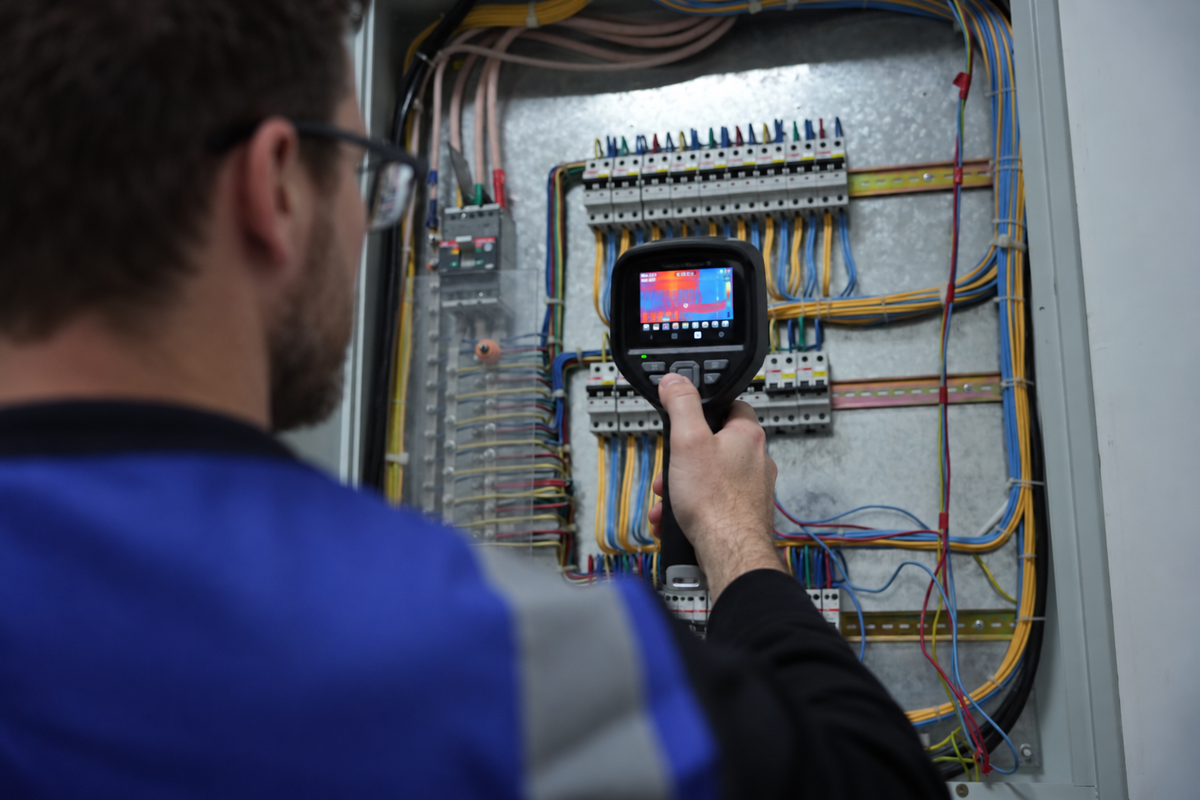
Electrical systems: Find unusual heating around breakers, terminals, cables, outlets, and electrical connections.
HVAC systems: Compare temperatures around vents, radiators, ducts, pipes, and heating or cooling equipment.
Home insulation: Scan windows, doors, walls, and ceilings for unusual hot or cold areas that may need further inspection.
Floor heating: View surface temperature patterns to identify areas that are heating differently from their surroundings.


Where a Phone Thermal Camera Makes Inspections Easier
Small Hot Spots Can Hide Among Similar Electrical Connections
A row of breakers and terminals may look almost identical, while one connection is running unusually hot. Checking every point individually takes time, and a small abnormal area can easily be missed.
With the Thermal Master P4, the whole panel can be scanned first to quickly locate a hot spot that stands out from similar components. For tightly packed areas, IR-Fuse combines infrared and visible images, while AI Alignment automatically aligns the two views. This makes it easier to match the hot spot with the actual connection before carrying out further electrical testing.
Finding Hidden Temperature Differences Around Water Pipes
Temperature changes around water pipes can be difficult to identify by sight alone, especially when checking for possible leaks or uneven heating. The Thermal Master P4 helps users spot unusual temperature patterns along pipes and surrounding surfaces, making it easier to narrow down areas for further inspection.

HVAC Inspections Sometimes Come Down to Finding the Exact Area
David is an HVAC technician. During one service call, a homeowner tells him that one room always feels warmer than the others. The vents look normal, and it is difficult to tell by feel where the temperature difference begins.
He scans the vents and surrounding areas with P4 and quickly notices a temperature pattern that differs from nearby surfaces. With P4's AI Dual-Lens and IR Eraser, he can swipe across the screen to reveal the original view alongside the thermal image, making it easier to match temperature differences with their exact locations.

How to Choose a Thermal Camera for Your Android Phone
Clear thermal detail: Helps identify small hot spots and temperature differences.
Accurate temperature measurement: Makes it easier to compare temperatures across components and surfaces.
Fast refresh rate: Provides smoother thermal images while scanning, helping users quickly locate potential fault points.
Thermal Master P4
Features:
- AI Dual-Lens and IR Eraser for fast switching between thermal and original views.
- 4-Vision Fault Detection: Infrared, Visible, IR-Fuse™, and MIX modes.
- 512×384 Super IR (256×192 VOx sensor) for enhanced thermal detail.
- ≤35 mK thermal sensitivity, 25 Hz refresh rate, –20°C to 600°C temperature range, and ±2°C accuracy.
- 15× digital zoom and 12 color palettes for flexible thermal viewing.
- Android version only: supports deeper inspection capabilities.
Read More
How to Use a Thermal Camera for Home Inspection?
Discover how thermal cameras can improve electrical system maintenance
Handheld Thermal Imagers for HVAC: How to Choose the Right Inspection
How to Use a Thermal Imaging Camera for Plumbing Inspections?

Leave a comment
All comments are moderated before being published.
This site is protected by hCaptcha and the hCaptcha Privacy Policy and Terms of Service apply.