



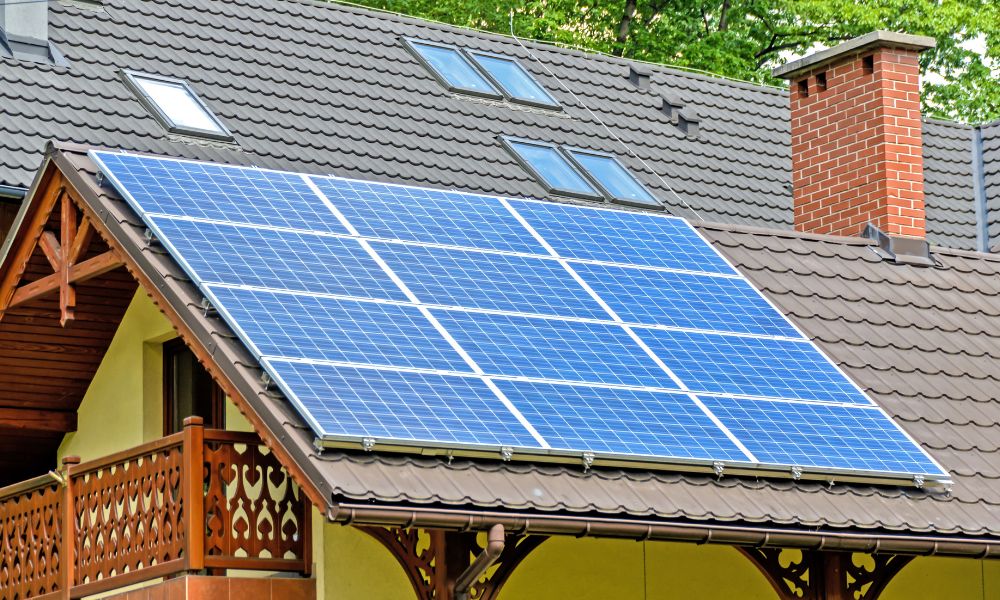
Solar panels are designed to generate electricity reliably, but their performance can degrade due to dust, shading, damaged cells, or electrical faults. In this article, we'll explain how to inspect the performance of solar panels and how to use tools such as thermal imagers to quickly identify hidden problems.
Why Is It Important to Check Solar Panel Performance?
Regularly checking the performance of solar panels ensures the system generates electricity as expected. Issues such as dust accumulation, shading, damaged cells, or loose connections can reduce efficiency over time. Early detection of these problems can prevent energy loss and ensure the smooth operation of the solar system.
Common Reasons Solar Panels Stop Working Properly
Solar panels are generally reliable, but several common issues can cause them to stop working efficiently or reduce their power output. Here are some of the most frequent reasons:
- Dust and Debris Accumulation: Dust, leaves, bird droppings, or snow on the surface of solar panels can block sunlight, reducing power generation.
- Shading: Shading from trees, nearby buildings, or other objects can also reduce the performance of solar panels.
- Damaged or Cracked Solar Cells: Physical damage caused by storms, hail, or long-term wear and tear can affect the cells inside the panel, reducing efficiency.
- Circuit Faults or Loose Connections: Poor electrical connections, damaged cables, or loose connectors can interrupt current, leading to performance problems.
- Inverter Failure: Inverters convert solar energy into usable electrical energy. If the inverter fails, the system may stop generating electricity even if the solar panels are working normally.
- Hot Spots on Solar Panels: Hot spots appear when a part of the solar panel overheats due to defects or shading. This reduces efficiency and may damage the panel.
- Aging and Natural Degradation: Over time, solar panels naturally lose a small amount of efficiency each year, gradually reducing their energy output.
What Tools Can Be Used to Check Solar Panel Performance?
Several tools can help you check if your solar panels are working properly and providing power. Let's take a look at what these tools are:
- Solar Inverter Monitoring System: Most solar systems are equipped with inverters that have monitoring capabilities. This allows you to view power generation in real time and quickly detect any drops in system output.
- Multimeter: A multimeter can be used to measure the voltage and current of a solar system. It can determine if the electrical output of the solar panels is within the normal range.
- Solar Power Meter: A solar power meter measures solar radiation intensity. By comparing solar radiation intensity with the energy the system generates, you can determine whether the solar panels are meeting expectations.
- Thermal Camera: A thermal camera can detect abnormal heating patterns on solar panels. It can identify problems such as hot spots, damaged cells, or overheated connectors, which can reduce system efficiency.

How Can a Thermal Camera Check if Solar Panels Are Working Properly?
1. Scanning Operating Solar Panels
Thermal imaging is best performed when solar panels are generating electricity under sunlight. This allows the panels to dissipate heat naturally during operation. Temperature differences on the panel surface are easier to detect when the system is running.
2. Identifying Abnormal Temperature Distribution
Inspectors analyze the thermal images to observe the distribution of heat across each panel. Generally, healthy panels have a relatively uniform temperature distribution. If certain areas appear overheated or undercooled, it may indicate cell malfunction, shading, or internal defects.
3. Identifying Hot Spots or Overheated Areas
Hot spots are one of the most common problems detected by thermal imagers. Hot spots appear when small areas on the cells overheat due to cell damage, shading, dust accumulation, or internal defects. These overheated areas reduce efficiency and may even damage the panel.
4. Inspecting Connectors and Junction Boxes
Thermal imagers can also inspect electrical components connected to the solar panels. Components such as junction boxes, connectors, and terminals may overheat if connections are loose or resistance is too high. Early detection of these problems can prevent energy loss and system failure.
5. Compare panels across the solar array
In a system with multiple modules, it is best first to compare the temperature distribution of each module. If the temperature of one module is significantly higher or lower than the others, that module may be performing poorly or be faulty. This comparison can quickly pinpoint the problematic module.
Which Thermal Cameras Are Best for Inspecting Solar Panels?
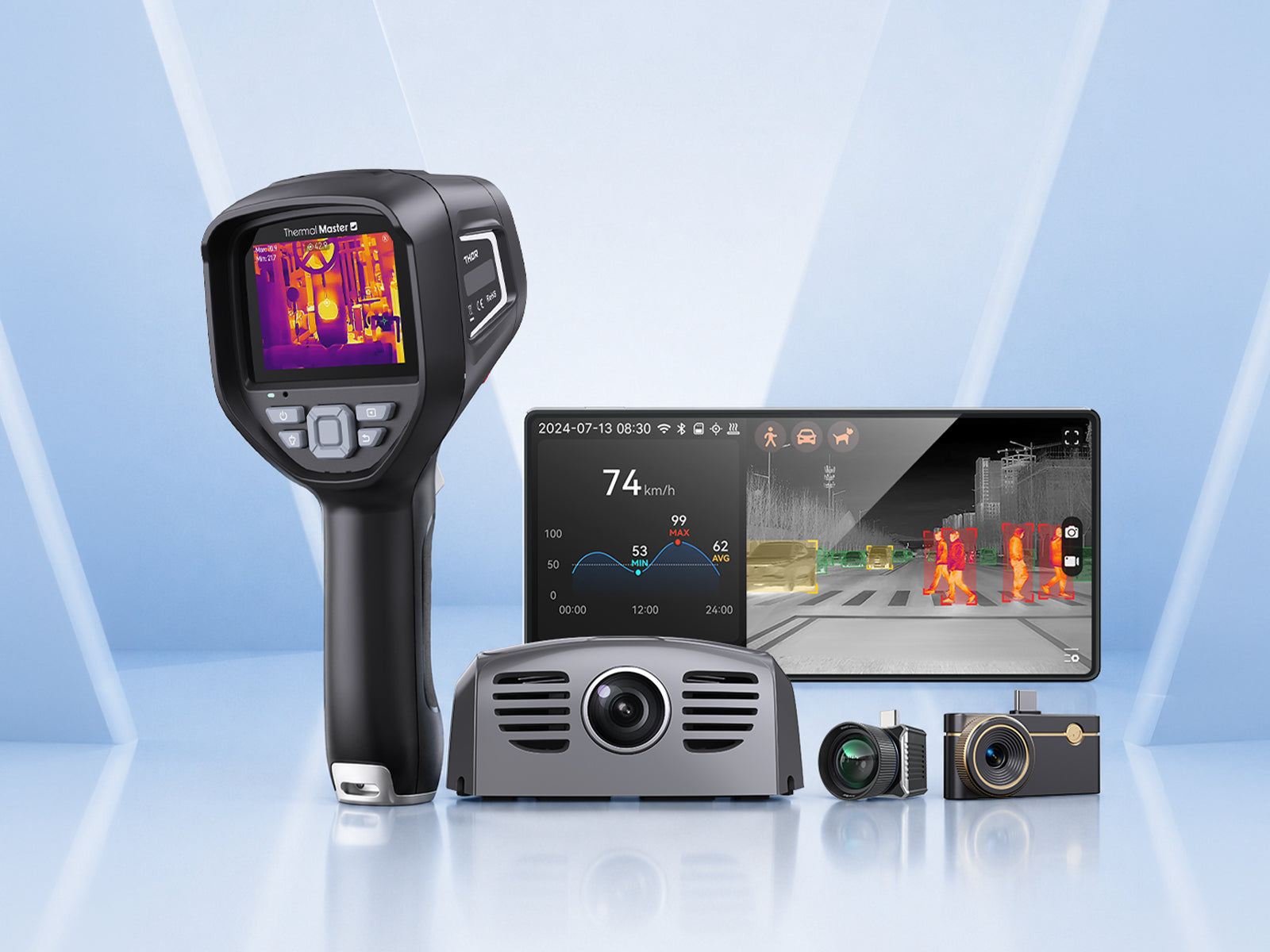
Thermal Master P3
The Thermal Master P3 is a compact smartphone thermal imager that connects directly to iPhone or Android devices. It features a 256×192 resolution, allowing you to view temperature differences between solar panels directly through your phone.
The P3 thermal imager has a thermal sensitivity of ≤35 mK and a temperature accuracy of ±2 °C, effectively detecting hot spots and other performance issues. Moreover, its lightweight design makes it ideal for quick roof inspections and testing of residential solar systems.
Thermal Master Thor002
The Thermal Master Thor002 is a professional handheld thermal imager designed for electrical and industrial inspection, ideal for diagnosing solar panel problems. It uses a 256×192 VOx infrared sensor with a resolution increased to 512×384, allowing technicians to detect temperature differences between photovoltaic modules clearly.
The Thor002 has a thermal sensitivity of ≤40 mK, a temperature accuracy of ±2 °C, and a temperature range of -20 °C to 550 °C, enabling accurate identification of hot spots, damaged cells, and overheated electronic components.

Signs That Solar Panels May Need Repair
- Sudden Drop in Energy Output: If your solar system suddenly produces less electricity than usual, it may indicate a problem with the solar panels, wiring, or inverter.
- Visible Damage to Solar Panels: Cracks, discoloration, or burn marks on the surface of solar panels can affect cell performance and reduce energy output.
- Uneven Temperature or Hot Spots: If some areas of the solar panel are significantly hotter than others, it indicates cell damage, shading issues, or internal defects. A thermal imager can be used to detect these hot spots.
- Connector or Wiring Failures: Loose connections, damaged cables, or overheated junction boxes can reduce system efficiency and potentially create safety hazards.
- Inverter Warning Lights or Error Messages: Most solar inverters are equipped with indicator lights or monitoring systems. If the inverter displays errors or warning signals, a professional inspection of the solar system may be necessary.
- Panels Frequently Covered in Dust or Debris: Thick layers of dust, bird droppings, or debris can block sunlight and reduce panel efficiency. Regular cleaning or maintenance is recommended.
When Should You Call a Professional Solar Technician?
If your solar system experiences a serious problem, such as a sudden drop in power output, inverter failure, visible panel damage, or suspected electrical issues, you should contact a professional solar technician. They can safely diagnose and repair the system using more specialized testing tools.
How to Prevent Solar Panel Performance Problems?
Regular maintenance and monitoring ensure the efficient operation of solar panels. Additionally, keeping the panels clean, checking for shading, and tracking system output allow the system to consistently generate power as expected.
Regular inspections also help detect potential problems earlier. Tools such as thermal imaging cameras can identify hidden issues, such as hotspots or overheated components, thus preventing impacts on overall system performance.
FAQs
1. Can a thermal camera detect solar panel faults?
Yes. Thermal imagers can detect faults by identifying abnormal heat distribution on the surface of solar panels. For example, hot spots, damaged cells, connector malfunctions, or uneven power generation will all appear as temperature differences in thermal images, allowing technicians to quickly locate poorly performing or defective panels.
2. What temperature indicates a solar panel hotspot?
A hot spot can be identified when a certain area of a solar panel is 10–20 °C hotter than the surrounding cells. This temperature difference can indicate problems such as cell damage, shading, dust accumulation, or excessive resistance. Thermal imaging cameras are often used for early detection and prevention of abnormal heating patterns, helping technicians identify faulty panels before they cause efficiency loss or damage.
3. How often should solar panels be inspected?
To ensure efficient operation of solar panels, it is best to perform inspections once or twice a year. In addition, additional inspections may be necessary during severe weather, when power generation drops significantly, or during routine maintenance to identify potential problems early.
Related Reading:
How to Use a Thermal Camera for Home Inspection?
Can a Thermal Imaging Camera for Water Leak Detection Really Find Leaks?
How to Use a Plumbing Thermal Imaging Camera for Plumbing Inspections?


Leave a comment
All comments are moderated before being published.
This site is protected by hCaptcha and the hCaptcha Privacy Policy and Terms of Service apply.