



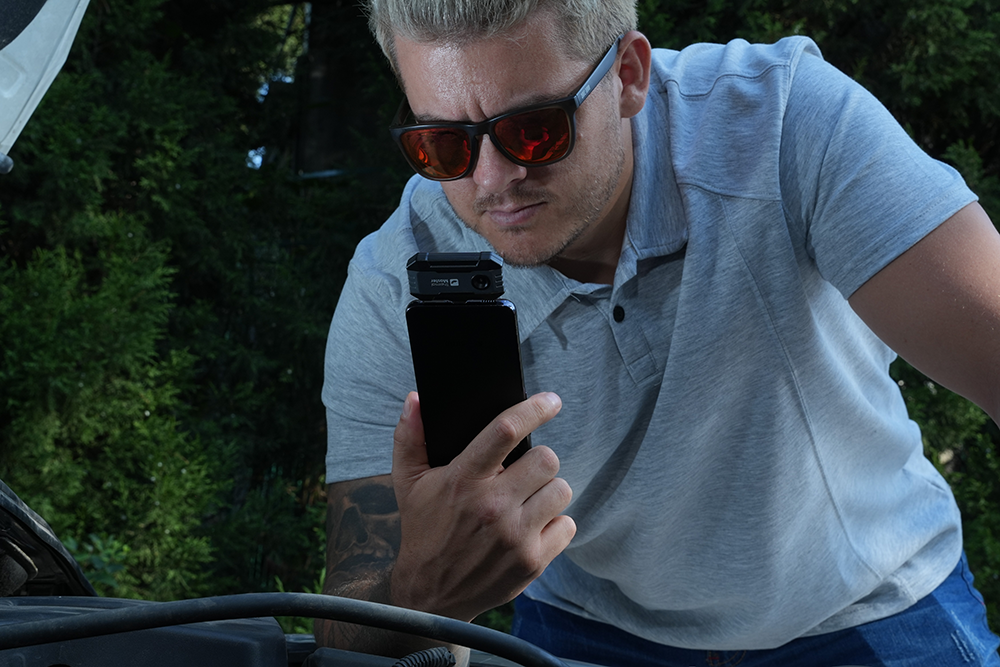
Hot weather puts extra stress on your car. A thermal imaging camera lets you quickly check the engine, AC, brakes, tires, and electrical components for unusual heat, so you can catch potential problems before they get worse.
Here are five problems you can spot early with a thermal imaging camera.
Engine Overheating
Engines naturally generate a lot of heat, but unusual temperature patterns can still be a warning sign. Scanning the engine bay, coolant hoses, radiator, and cooling fan with a thermal imaging camera can quickly reveal unusual hot or cold spots, often before a small problem turns into overheating.

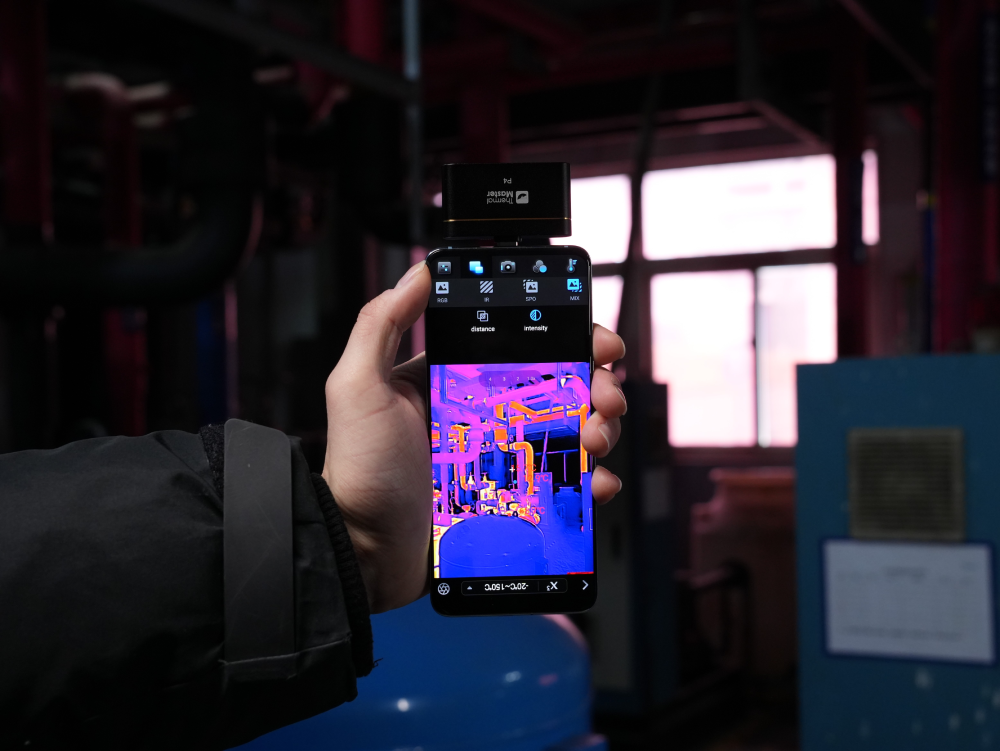
In Tampa, Florida, one DIY car owner keeps a Thermal Master P1 in his car alongside his air pump. After a long drive, he connects it to his phone and quickly scans the engine bay. "I just want to see if anything looks unusual," he says. For occasional DIY checks, its compact size makes it easy to keep in the car at all times.
Air Conditioning Problems
Hot weather puts a heavy load on a car's AC system. If the AC isn't cooling as well as it used to, check the compressor, condenser, evaporator, expansion valve, and high and low pressure lines for unusual temperature patterns. Any abnormal area can then be verified further with pressure testing and other diagnostic methods.
The Thermal Master P2 comes with a dedicated case and is small enough to keep in the car. It can be pulled out in seconds to check for unusual temperatures in the AC system.

Overheated Brakes
Brakes naturally generate heat, but if one is noticeably hotter than the others, it can be a sign of brake drag, a sticking caliper, or uneven wear.
After driving, scan the brake components and compare both sides. For drivers who frequently cover long distances, this makes for a quick and easy check right after parking.
Uneven Tire Temperatures
Hot roads and long drives can raise tire temperatures. A thermal imaging camera shows the temperature distribution across each tire, making it easy to compare one to another.

If one tire looks noticeably different from the rest, check the tire pressure, wheel alignment, tire condition, and the nearby brake components.
Electrical Components Overheating
Loose connections and poor contacts can increase resistance and generate extra heat. Scan battery terminals, fuses, relays, wire connections, and other electrical components. If one connection is noticeably hotter than similar ones nearby, it's worth investigating further.
For professional inspections, a technician in Alberta, Canada uses the Thermal Master Thor002 to quickly scan brakes, the engine bay, battery terminals, and electrical connections after a test drive.

Its 3.5‑inch IPS display works without needing a phone. "If I can see where the temperature looks abnormal first, the rest of the inspection is much easier," he says. For technicians checking multiple vehicles a day, this makes quick screening far more convenient.
How to Perform a Quick Thermal Imaging Camera Inspection?
- Set a baseline. Take a thermal image while the car is cold for comparison.
- Warm up the car. Start the engine and wait until it reaches normal operating temperature.
- Scan key components. Check the engine, cooling system, AC, brakes, tires, and electrical components. Look for unusual temperatures or differences between similar parts.
- Confirm the problem. Use a multimeter, pressure gauge, or other diagnostic tools to identify the cause of any abnormal temperature.

Which Thermal Imaging Camera Is Right for Your Car Inspection?

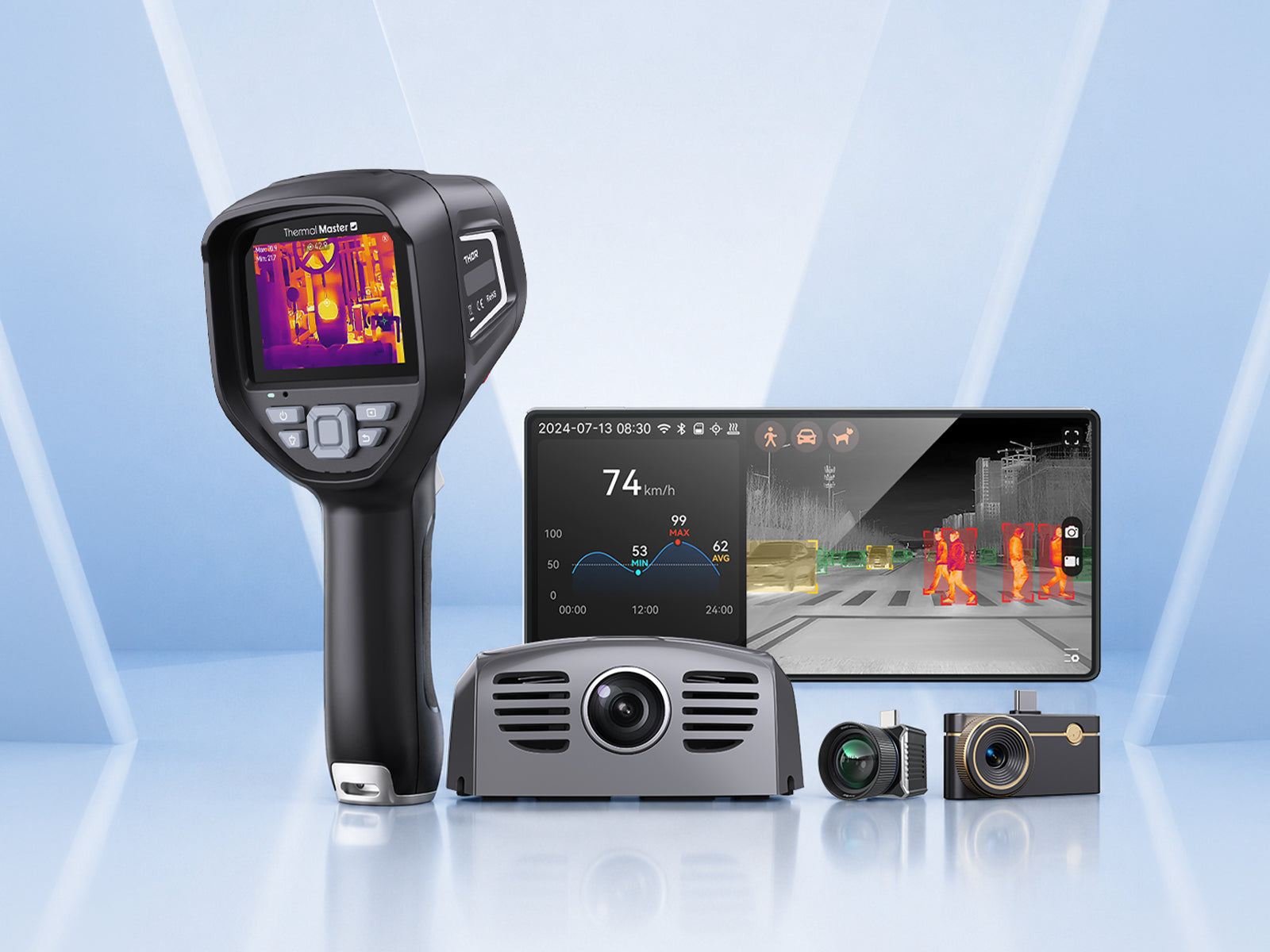
For occasional DIY car maintenance, the Thermal Master P1 is a great option. It's compact, works with both iPhone and Android, and is easy to leave in the car for quick checks whenever you need them.
If you've got multiple cars at home, the Thermal Master P2 is easier to carry around. You can attach it to a keychain, and its 512x384 X³IR super-resolution helps you quickly check different vehicles as needed.
For regular automotive inspections, the Thermal Master Thor002 is a better fit. Its Pro-Mix image enhancement brings out more edge detail in thermal images, making it easier to spot problems. The 3.5 inch IPS hard screen also lets you view the thermal image directly without connecting to a phone.

A quick check with a thermal imaging camera can help you catch unusual heat before it becomes a bigger problem. Whether you're checking your own car or working on multiple vehicles, it’s an easy way to add another step to your routine inspection.
FAQs
1. Can the P1 detect coolant leaks?
Yes. The P1 can scan the radiator and coolant lines for unusual temperature changes. A coolant leak may appear as an abnormally cold area, making it easier to locate the potential leak.
2. How long does the Thor002 battery last?
The Thor002 provides up to 11 hours of battery life on a full charge.
3. Can the P2 detect problems inside a car engine?
The P2 can detect unusual surface temperatures that may indicate an internal problem.


Leave a comment
All comments are moderated before being published.
This site is protected by hCaptcha and the hCaptcha Privacy Policy and Terms of Service apply.