



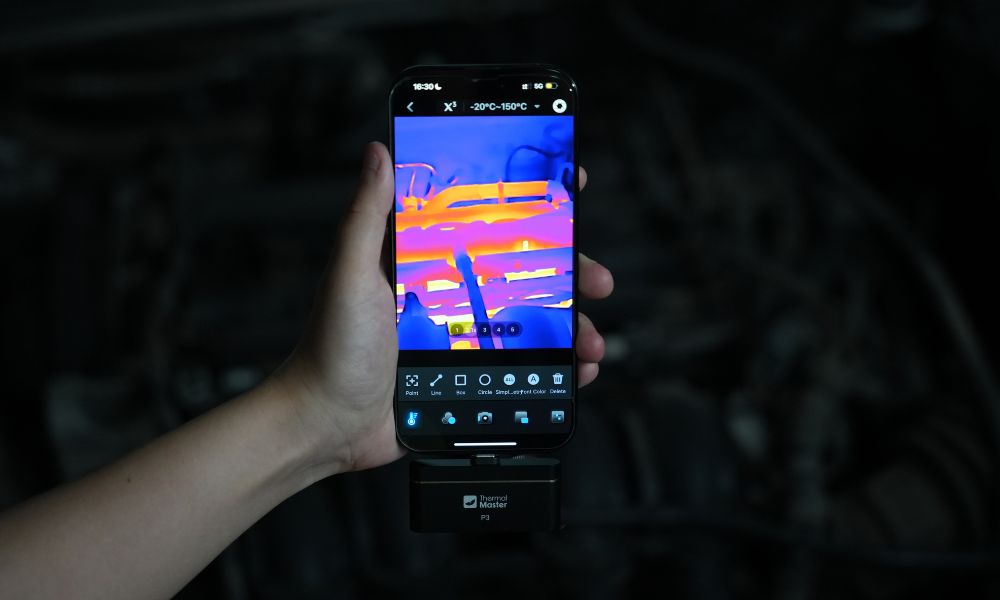
Car engine problems often create heat patterns before they become obvious mechanical failures. A thermal imaging camera helps you spot overheating parts, uneven cooling, electrical hot spots, and abnormal temperature changes around the engine bay faster.
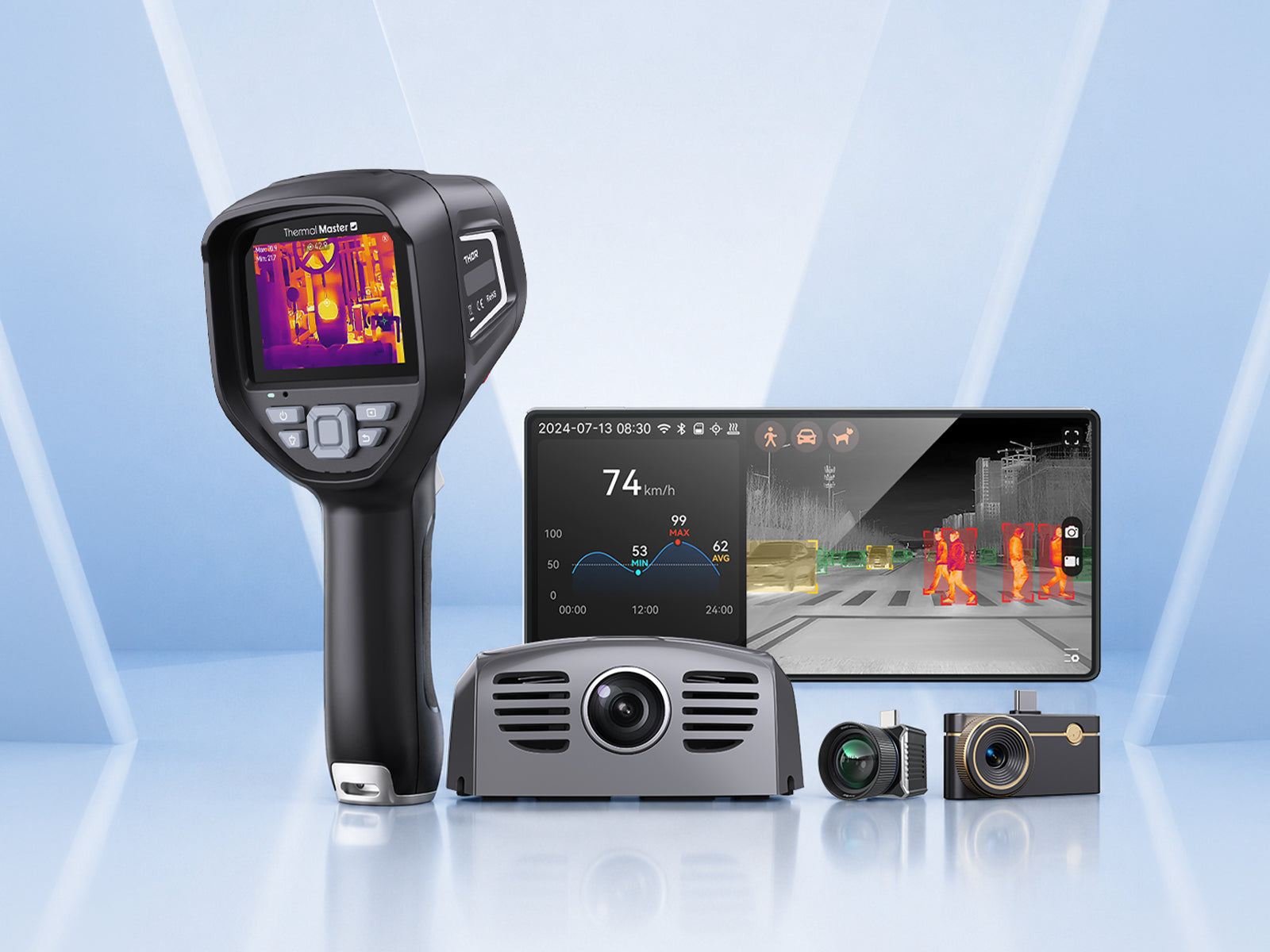
Next, we’ll look at how thermal imaging supports car engine repair, how to inspect key areas step by step, and why Thermal Master P3, P1, and Thor002 are useful options for car engine repair with a thermal camera.
What Car Engine Problems Can a Thermal Camera Help Detect?
A thermal camera can help detect car engine problems that create visible temperature differences. Common repair clues include:
- Radiator Blockage: Uneven hot and cold zones may suggest restricted coolant flow.
- Thermostat Issues: Abnormal warm-up patterns can show whether coolant is circulating too early or too late.
- Misfire Clues: A colder exhaust runner may indicate a cylinder not firing normally.
- Electrical Hot Spots: Overheated wires, terminals, or relays may suggest resistance or overload.
- Coolant Leaks: Wet or evaporating coolant can create unusual cool areas near hoses or fittings.
- Bearing or Belt Issues: Excessive heat near pulleys, hubs, or rotating parts may need closer inspection.

How Do You Use a Thermal Camera for Car Engine Repair Step by Step?
Step 1: Start with a safe engine bay scan
Scan the engine bay before touching any component. Check the radiator, hoses, battery terminals, fuse box, belts, pulleys, and visible wiring from a safe distance. This gives you a baseline and helps identify obvious hot spots before deeper inspection.
Step 2: Compare temperatures after warm-up
Let the engine reach operating temperature, then scan the cooling system again. Look for uneven radiator sections, cold hoses that should be warm, or parts heating faster than expected. This helps you judge whether coolant flow, thermostat behavior, or airflow may be abnormal.
Step 3: Check electrical connections and fuse areas
Use the thermal camera to scan battery terminals, ground points, fuse boxes, relays, and wiring connectors. A single hot connector can indicate resistance, looseness, corrosion, or overload. If electrical parts show abnormal heat, confirm the issue with proper electrical testing before repair.
Step 4: Inspect exhaust and cylinder heat patterns
Scan the exhaust manifold or visible exhaust runners when safe to do so. A cooler runner may indicate misfire, fuel delivery problems, ignition issues, or poor combustion in one cylinder. This does not replace a scan tool, but it helps guide the next diagnostic step.
Step 5: Confirm thermal findings with automotive tools
Use a scan tool, pressure tester, multimeter, combustion test, or visual inspection to confirm what the thermal camera suggests. Thermal imaging should guide the repair path, not replace proper diagnosis. If the engine is overheating, leaking coolant, or showing electrical risk, stop driving and repair the issue first.

How Should You Choose a Thermal Camera for Car Engine Repair?
A car repair thermal camera should handle high temperatures, small parts, tight spaces, and fast inspections around the engine bay. Important selection points include:
- Temperature Range: The camera should cover hot engine parts, exhaust-adjacent areas, and cooler system checks.
- Thermal Resolution: Higher detail helps separate hoses, wires, connectors, and nearby metal components.
- Accuracy: Useful when comparing similar parts, such as multiple exhaust runners or coolant hoses.
- Portability: A phone thermal camera is convenient for quick garage checks and mobile repairs.
- Screen Usability: A handheld model is better for longer shop inspections and customer explanations.
- Analysis Tools: Image review and reporting help document before-and-after repair results

Best 3 Thermal Master Thermal Cameras for Car Engine Repair
Thermal Master P3
Thermal Master P3 phone thermal camera features adjustable focus, with an inspection range from 8mm macro to 80m long distance. It can check engine details, wiring connectors, and coolant hoses, while also observing the overall heat distribution across the engine bay. With 512 x 384 X³ IR imaging, 35 mK thermal sensitivity, and a -4°F to 1112°F temperature range, P3 is a practical tool for thermal inspections of cooling systems, electrical systems, and mechanical components.
Key Features:
- 512 x 384 X³ IR Ultra-Clear Imaging:Reveals heat differences in hoses, wiring, and engine components.
- 35mK Thermal Sensitivity: Helps capture subtle temperature differences in crowded engine bays.
- 8mm Macro to 80m Range: Supports close engine inspection and broader vehicle scanning.
- -4°F to 1112°F Temperature Range:Covers coolant checks, hot engine parts, and general repairs.
- ±2°C Accuracy: Helps compare similar components during diagnosis.
- 15x Digital Zoom: Useful for hard-to-reach areas around the engine bay.
Thermal Master P1
Thermal Master P1 is an economical and practical thermal imager with 320 x 240 infrared resolution and 40mK thermal sensitivity. It can clearly identify hot spots, low-temperature coolant areas, and abnormal temperature changes near hoses, batteries, fuse boxes, and panels. With the same -4°F to 1112°F temperature range, ±2°C accuracy, and only 0.3W power consumption, it is well suited for initial automotive troubleshooting.
Key Features:
- 320 x 240 X³ IR Resolution: Helps identify visible thermal patterns around engine and electrical parts.
- 40mK Thermal Sensitivity:Detects useful temperature differences in engine-bay checks.
- -4°F to 1112°F Temperature Range: Supports coolant, HVAC, electrical, and engine bay inspection.
- ±2°C Accuracy: Helps compare suspicious parts with nearby normal components.
- 15x Digital Zoom: Helps inspect tight or hard-to-reach engine areas.
- 0.3W Low Power Consumption: Enables longer phone-based inspections without a separate battery.
Thermal Master Thor002
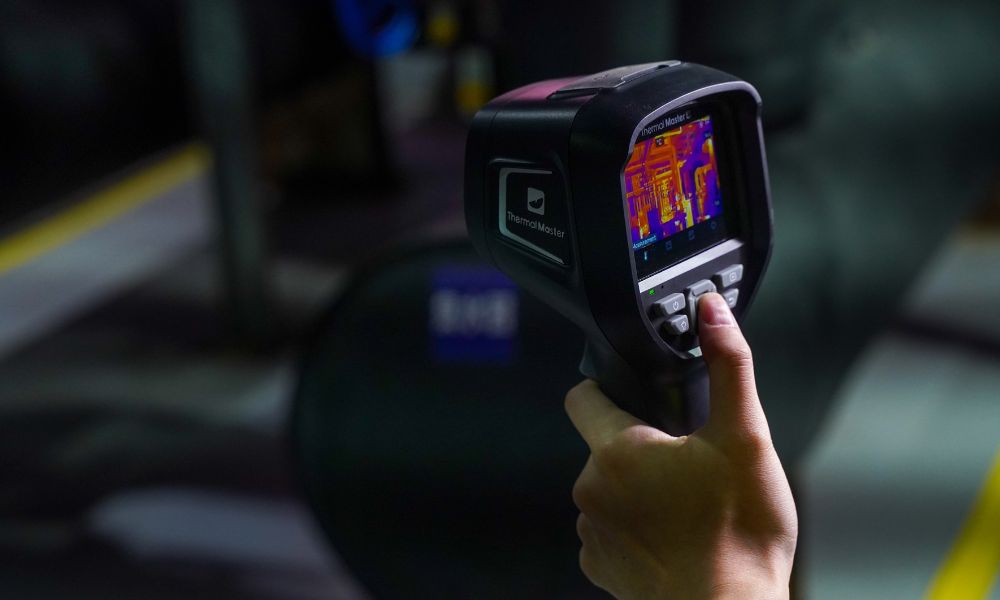
The Thermal Master Thor002 features 512 x 384 X³ IR ultra-high-definition imaging technology and a thermal sensitivity of <40mK, enabling precise detection of subtle temperature differences around cooling systems, electrical connection points, and mechanical components. It is also equipped with a 3.5-inch 640 x 480 IPS display, allowing for easy, extended inspection tasks without the need for a smartphone.
Key Features:
- 512 x 384 X³ IR Ultra-Clear Imaging: Clearly highlights heat patterns across key vehicle components.
- <40mK Thermal Sensitivity: Helps detect subtle temperature differences in crowded engine bays.
- 3.5-Inch IPS Hard Screen: Provides a dedicated display for longer repair inspections.
- 5 Vision Modes: Pro-Mix, IR-Fuse, PIP, IR, and Visible modes help identify components faster.
- -20°C to 550°C Temperature Range: Covers most automotive inspection needs.
Thermal Master P3, P1, and Thor002 Specifications Compared
|
Feature |
Thermal Master P3 |
Thermal Master P1 |
Thermal Master Thor002 |
|
Product Type |
Phone thermal camera |
Phone thermal imager |
Handheld thermal imager |
|
Best For |
Detailed car engine thermal checks |
Initial automotive troubleshooting |
Professional repair inspections |
|
Imaging / Resolution |
512 x 384 X³ IR imaging |
320 x 240 X³ IR resolution |
512 x 384 X³ IR ultra-clear imaging |
|
Thermal Sensitivity |
35mK |
40mK |
<40mK |
|
Temperature Range |
-4°F to 1112°F |
-4°F to 1112°F |
-20°C to 550°C |
|
Accuracy |
TruePix ±2℃ |
TruePix ±2℃ |
TruePix ±2°C / ±2% |
|
Focus / Range |
8mm macro to 80m |
Fixed/general inspection |
Fixed focus |
|
Digital Zoom |
15x |
15x |
Not specified |
|
Display |
Uses smartphone screen |
Uses smartphone screen |
3.5-inch 640 x 480 IPS hard screen |

When Should You Use a Thermal Camera Yourself or Call a Mechanic?
You can use a thermal imager to perform a preliminary inspection when the vehicle is safe, accessible, and not overheated. It allows you to check heat distribution across the radiator, coolant hose temperatures, battery terminals, fuse areas, brakes, and visible engine bay components, helping you determine where to focus your subsequent inspections.
Please contact a technician if you encounter engine overheating, boiling or leaking coolant, abnormal heating of electrical components, significantly abnormal exhaust manifold temperatures, warning lights, engine misfires, or drivability issues. While a thermal imager helps identify suspicious areas early on, the specific cause of the fault still requires confirmation through professional mechanical or electrical testing.

Conclusion
A thermal camera helps with car engine repair by making abnormal heat patterns easier to spot during cooling system checks, electrical inspection, misfire diagnosis, coolant leak investigation, and repair verification. For compact phone-based inspection, Thermal Master P3 offers stronger detail, while P1 is a practical value choice for quick repair checks. For professional shop work, Thor002 provides a dedicated handheld workflow and clearer field usability for repeated diagnostics.
FAQs
Can a thermal camera find a coolant leak?
Yes, a thermal camera can help locate areas where coolant changes the surface temperature or evaporates near hoses, fittings, or radiator sections. It is useful for narrowing the search area when the leak is not obvious. You should still confirm the leak visually or with a pressure test.
Can thermal imaging help detect a misfire?
Yes, thermal imaging can sometimes show a cooler exhaust runner or an abnormal heat pattern linked to a misfiring cylinder. This can guide the next step, such as checking spark, fuel delivery, or compression. It should be used with an OBD scan tool and normal engine diagnostics.
Can I use a thermal camera on a hot engine safely?
Yes, but you should scan from a safe distance and avoid touching hot metal, belts, fans, or electrical components. A thermal camera helps you inspect without direct contact, but the engine bay can still be dangerous. If the vehicle is overheating or leaking, stop the engine and let it cool before closer inspection.
Related Reading:
How to Use a Thermal Camera for Home Inspection?

Leave a comment
All comments are moderated before being published.
This site is protected by hCaptcha and the hCaptcha Privacy Policy and Terms of Service apply.