



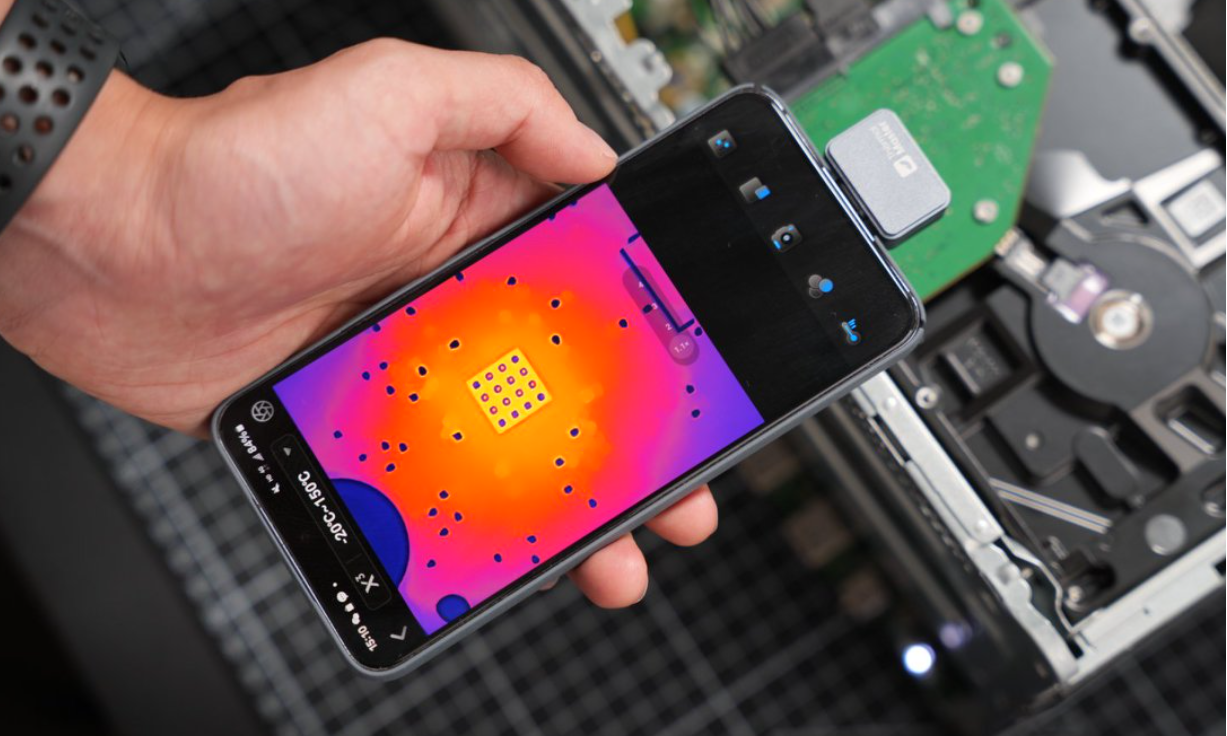
In today’s fast-paced tech world, even your smartphone can become a powerful diagnostic tool. With an iPhone thermal imager, the ability to detect heat signatures is no longer limited to bulky industrial cameras.
Whether you are an engineer troubleshooting circuits, a homeowner inspecting insulation, or an outdoor enthusiast exploring at night, turning your iPhone into a thermal imager opens up an entirely new way of seeing the world.

Introduction to iPhone Thermal Imagers
A thermal imager detects infrared radiation based on temperature and converts it into a visible image. Traditionally, these tools were reserved for professionals in construction, maintenance, and firefighting. Now with compact and high-performance attachments, you can get similar capabilities directly from your iPhone thermal imager, making it a practical tool for both work and everyday use.
How Does an iPhone Thermal Imager Work?

Every object emits infrared energy according to its temperature. A thermal camera for iPhone captures this energy and translates it into a thermal image using a specialized sensor and advanced imaging algorithms. Modern smartphone-compatible devices also include enhanced image processing, multiple color palettes, and precise temperature readings, providing detailed and accurate results in real time.
Benefits of Using Your iPhone as a Thermal Imager
- Portability: A lightweight iPhone thermal imager fits in your pocket and is far more convenient than traditional standalone devices.
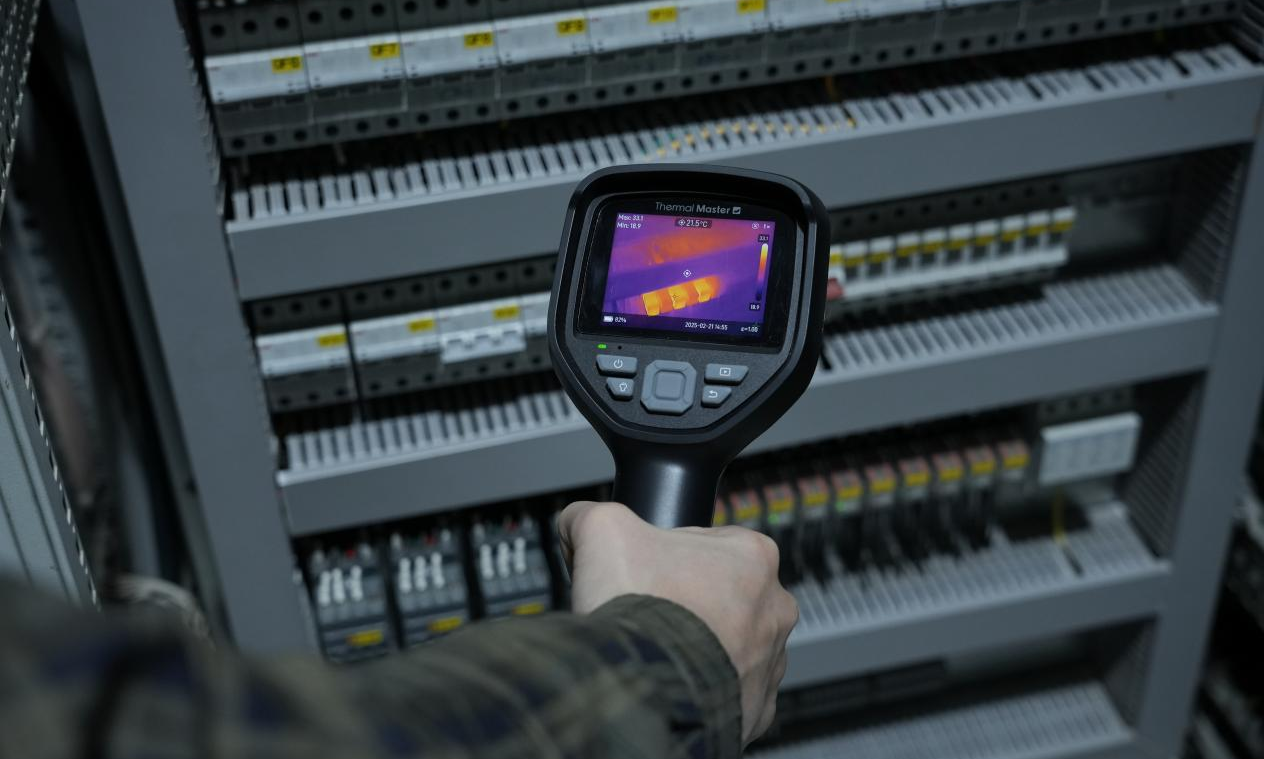
- Versatility: Use it for home inspections, HVAC troubleshooting, electrical work, or wildlife observation during outdoor activities.
- Cost-Effectiveness: Instead of investing in an expensive dedicated thermal camera, an iPhone thermal imager delivers reliable performance at a fraction of the cost.

How to Choose the Right iPhone Thermal Imager?
When selecting an iPhone thermal imager, consider the following:
- Compatibility: Ensure it works with your iPhone model and iOS version.
- Resolution and Zoom: Higher resolution and zoom levels provide sharper and more detailed images.
- Power and Runtime: Devices powered by your phone are convenient for long inspections.
- Additional Features: Look for advanced image processing, accurate temperature measurements, and customizable imaging modes.
Final Thoughts
The ability to turn your smartphone into a thermal imager for iPhone has changed how people approach inspections, repairs, and exploration. From diagnosing electrical faults to detecting heat loss at home, an iPhone thermal imager offers an accessible and reliable solution for professionals and enthusiasts alike.
Related Reading:
How Can You Turn Your Smartphone into a Thermal Camera?
What’s the Difference between Thermal Imaging and Night Vision?


コメントを書く
全てのコメントは、掲載前にモデレートされます
このサイトはhCaptchaによって保護されており、hCaptchaプライバシーポリシーおよび利用規約が適用されます。