



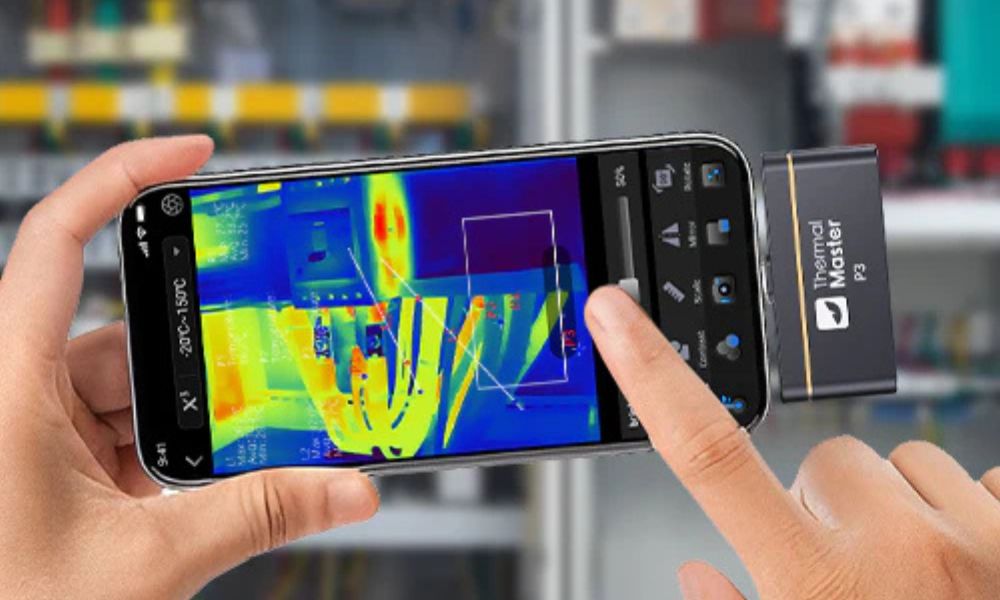
Looking for the perfect thermal imaging camera for your iPhone? Whether you want to check your home's insulation, find faulty circuits, or test electronic devices, the right thermal imaging accessories can turn your phone into a powerful thermal camera.
Below, we'll detail three top Thermal Master thermal cameras for iPhone products to help you find the one best suited to your needs!
How to Choose a Thermal Camera for Your iPhone?
1. Ensure it's compatible with your iPhone
Not all thermal imagers are compatible with all iPhone models, so compatibility is key. Make sure the thermal imager's port (Lightning or USB-C) matches your phone, and the app is compatible with your iOS version. If your devices are incompatible, you may need an adapter to make your setup simple, convenient, and ready to use.
2. Check the thermal imaging resolution
Higher resolution thermal imagers display clearer thermal patterns, helping you spot subtle temperature differences that lower-end imagers might miss. For example, a basic thermal imager may meet basic home inspection needs, but a higher-resolution imager is required to inspect electronic devices or detect subtle heat leaks.
3. Check the temperature range and accuracy
Each thermal imager has a limited temperature range, and not every imager has the same level of accuracy. Inaccurate readings that don't match the type of inspection will lead to inaccurate readings, missed problems, or misinterpretations. Therefore, choosing a reliable camera ensures accurate results every time.
4. Consider Lens and Field of View
The right lens type allows for versatility in your thermal imaging camera. Wide-angle lenses are suitable for scanning entire rooms or large surfaces during home inspections, while macro or adjustable lenses allow you to focus on smaller objects like circuit boards or wires.
5. Consider Portability and Your Usage Scenarios
If you need a lightweight and portable device, a smartphone model is ideal for quick home inspections. For home inspections, a mid-range camera is sufficient. However, for professional or industrial use, a high-resolution thermal imager capable of capturing fine thermal details is highly recommended.
6. App Functionality
The accompanying app is more than just a display screen; it's how you interact with the thermal imager. A user-friendly app can make your inspections faster, more accurate, and even more enjoyable.

3 Best Thermal Cameras for iPhone in 2026
Best Home Inspection Thermal Camera: Thermal Master P1
The Thermal Master P1 is a simple and easy-to-use home thermal imager. Its compact and lightweight design helps you quickly check for heat leaks, water leaks, or electrical problems. The accompanying iPhone app provides real-time temperature overlay and color display, making it easy for even beginners to use for everyday DIY projects.
Best Smartphone Thermal Camera: Thermal Master P2 Pro
The Thermal Master P2 Pro is a full-featured smartphone thermal imager, ideal for home and light professional use. Equipped with a 256×192 sensor and super-resolution technology, it provides clearer images and can be used to inspect electronic devices, wiring, or HVAC systems. Furthermore, its magnetic macro lens and iPhone app allow you to easily inspect close-up areas, take snapshots, and record videos anytime, anywhere.
Best High-Resolution Thermal Camera: Thermal Master P3
The Thermal Master P3 features a 512×384 super-resolution sensor and a manual focus lens, providing extremely high clarity. It's perfect for inspecting circuit boards, electronic devices, or performing fine-tuning. Additionally, the iPhone app features a color palette, real-time temperature overlay, and video recording capabilities, enabling you to obtain the most accurate thermal imaging readings.
Thermal Master P1 vs P2 Pro vs P3: Key Differences at a Glance
Want to pick the right thermal camera for your iPhone? Here’s a quick look at the P1, P2 Pro, and P3, comparing their features, portability, and compatibility so you can see which one suits you best.
|
Feature |
Thermal Master P1 |
Thermal Master P2 Pro |
Thermal Master P3 |
|
Sensor / Resolution |
160×120 (X³IR upscaling to 320×240) |
256×192 (super-resolution) |
256×192 (X³IR upscaling to 512×384) |
|
Temperature Range |
-4°F to 1112°F |
-4°F to 1112°F |
-4°F to 1112°F |
|
Accuracy |
±2°C |
±2°C |
±2°C |
|
Portability |
Compact, lightweight |
Lightweight, portable |
Slightly larger, still portable |
|
iPhone App Features |
Real-time overlays, color palettes |
Snapshots, video recording, and adjustable emissivity |
Color palettes, real-time overlays, video, and precise measurements |
|
Compatibility |
iOS & Android |
iOS & Android |
iOS & Android |
|
Best For |
Home inspections, DIY, heat/water leaks |
Home & light professional use, electronics, HVAC |
Detailed inspections, PCB, electronics, professional use |
Which Thermal Camera for iPhone Is Best for You?
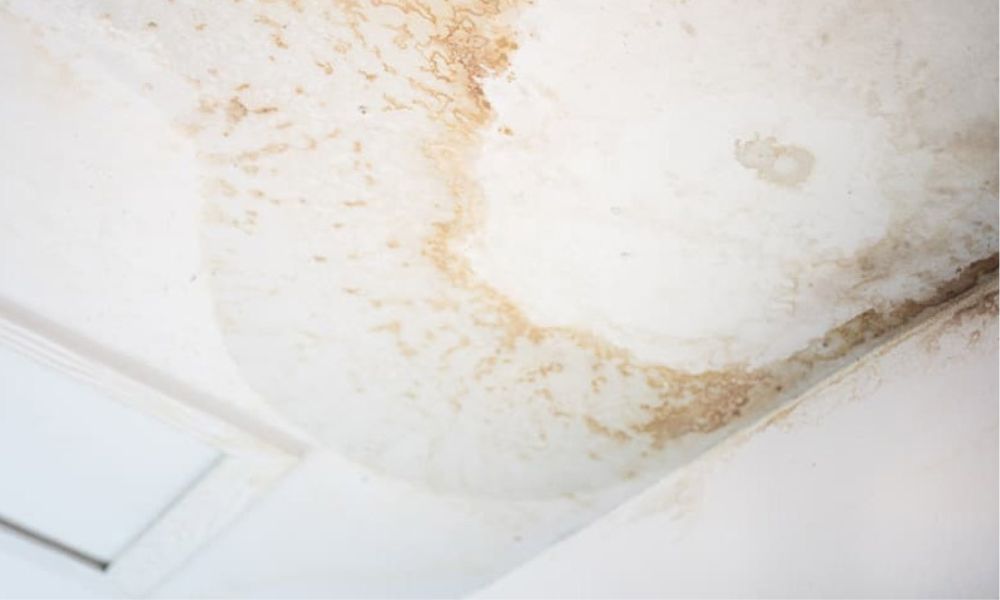
Choosing the right thermal camera for iPhone depends on your specific needs. If you only need it for routine home inspections, such as finding leaks or water stains, the Thermal Master P1 is a good choice, offering excellent performance and ease of use.
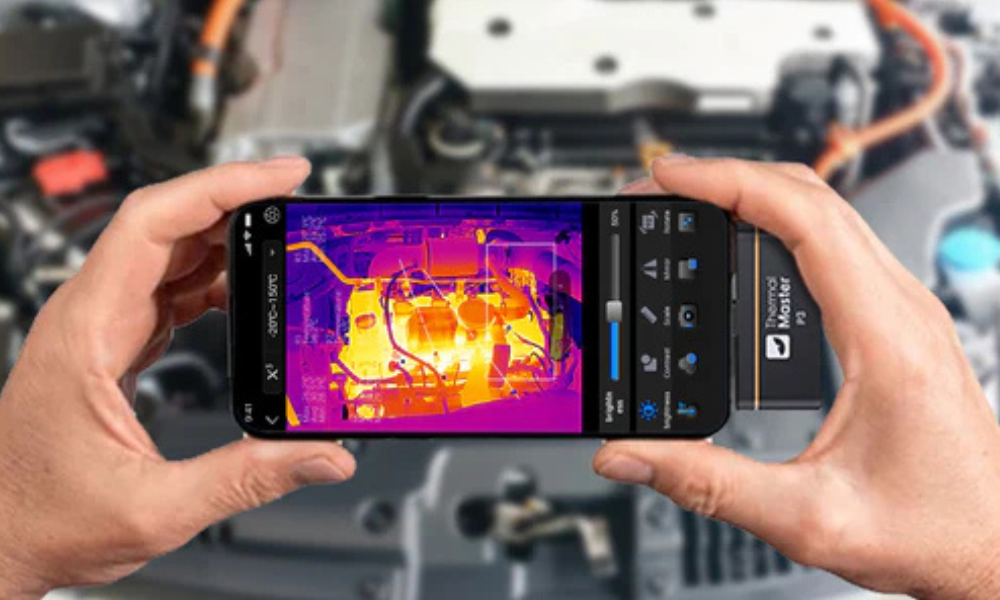
If you need a device suitable for both home use and light professional tasks, such as inspecting wiring, electronics, or HVAC systems, then the Thermal Master P2 Pro is a reliable all-rounder, offering clearer images and convenient close-up shooting capabilities.
The Thermal Master P3 offers higher resolution and a manual focus lens. If you require extremely high accuracy, finer thermal imaging, and more advanced inspection functions, then it's worth considering.

Conclusion
Choosing the right thermal camera for your iPhone depends on your needs. For simple home inspections, the Thermal Master P1 is compact and easy to use. Or, if you want something that meets both home and light professional needs, the P2 Pro offers sharper images and convenient close-up shooting.
Additionally, if you prefer high-precision, detailed inspections, the P3 provides high-resolution imaging and advanced features. Choose the right model to ensure your iPhone becomes a practical tool for all your thermal imaging needs.
FAQs
Can I use my iPhone as a thermal camera?
That's right! With the right infrared thermal imaging accessories, you can turn your iPhone into an infrared thermal imager. It connects directly to your iPhone via Lightning or USB-C and displays real-time thermal images using an app. Whether you want to check for home insulation problems, find electrical faults, or inspect machinery, it provides clear thermal images without the need for an external camera.
Can the iPhone 16 have a thermal camera?
No, the iPhone 16 does not have a built-in thermal imaging camera. You can achieve thermal imaging using an external thermal imaging device. These connect via Lightning or USB-C and work with an app to display real-time thermal images, allowing you to inspect a variety of objects, from home insulation to electronics or HVAC systems.
Can you turn your smartphone into a thermal camera?
Yes! With just a small external accessory, you can turn your smartphone into a thermal imager. Simply plug it into your phone, open the companion app, and you can view real-time thermal images. You can also use it to inspect home insulation, electrical faults, or mechanical equipment, providing you with portable thermal imaging capabilities anytime, anywhere.

コメントを書く
全てのコメントは、掲載前にモデレートされます
このサイトはhCaptchaによって保護されており、hCaptchaプライバシーポリシーおよび利用規約が適用されます。