



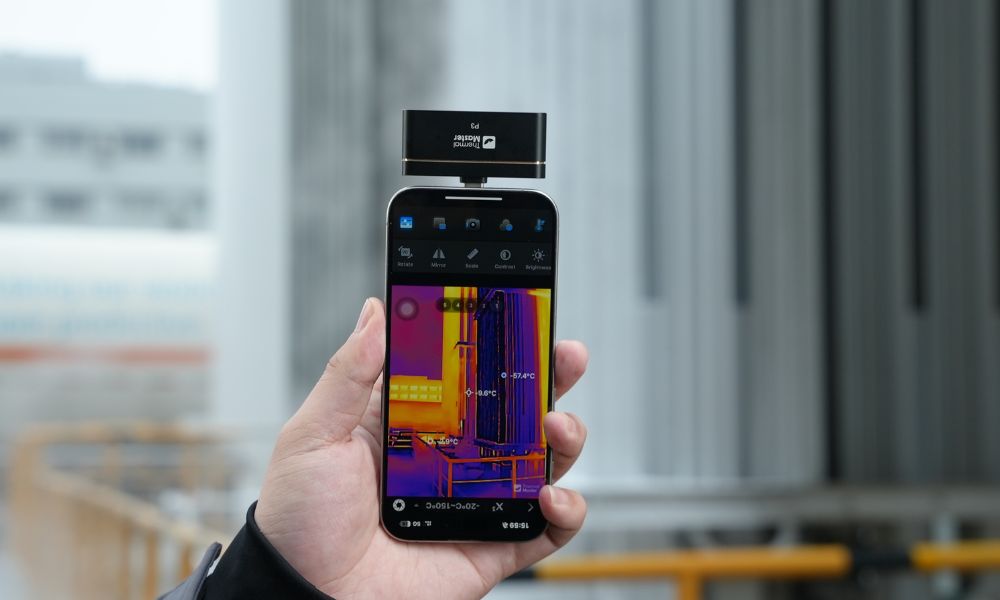
A thermal imaging camera for your phone helps you quickly detect heat loss, electrical faults, and hidden issues. It turns your smartphone into a practical inspection tool without bulky equipment. To address this need, Thermal Master offers smartphone thermal cameras for different users and scenarios. This guide helps you compare key specs and choose the right model quickly.
What Should You Look for When Choosing a Thermal Imaging Camera for a Phone?
Choosing the right thermal imaging camera depends on how well the core specifications match your real-world needs. If you’re scanning walls or ceilings, resolution determines how clearly you can identify heat patterns. If you’re diagnosing electrical systems, sensitivity and accuracy directly affect whether you can detect small faults.
- Infrared Resolution: 256×192 is the recommended baseline. It ensures you can clearly distinguish hotspots instead of vague thermal blobs. Higher resolution also helps when analyzing complex surfaces such as walls with multiple heat sources.
- Thermal Sensitivity (NETD): ≤40mK allows detection of subtle temperature differences, which is critical for early-stage fault detection. This is especially important when small changes indicate serious problems.
- Measurement Accuracy: ±1.5°C to ±2°C ensures reliable readings across different environments. Accurate readings help you make better decisions during inspections.
- Temperature Range: −20°C to 600°C supports most use cases, from home inspection to automotive diagnostics. A wider range increases versatility across different scenarios.
- Power Consumption: Around 0.3W helps maintain longer usage without draining your phone quickly, which is important for extended inspections.
These factors work together, meaning that a balanced device will perform better than one that only excels in a single specification.
Which Are the Best Thermal Imaging Cameras for Phones?
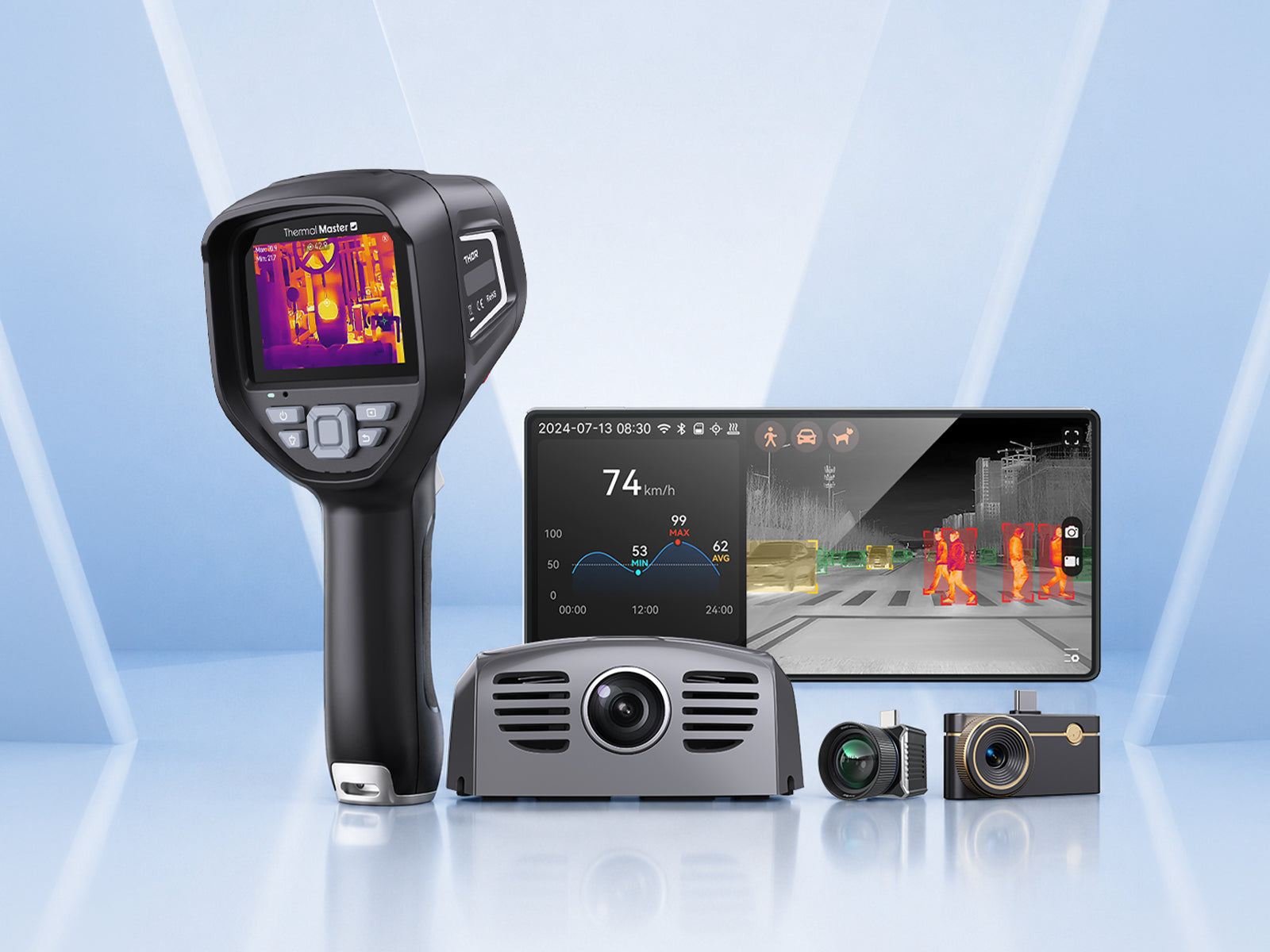
Since everyone’s smartphone operating system is different, it’s important to pay close attention when selecting a thermal camera that suits your specific needs. To address this, Thermal Master offers four thermal imaging camera models compatible with both iOS and Android devices: the P1, P2, P4, and P3, each designed for use in specific scenarios.
Thermal Master P1
The Thermal Master P1 is a mobile thermal imager designed for everyday use and compatible with iPhones and Android phones. It is suitable for detecting heat loss, water leaks, and basic electrical issues. Its simple design makes it ideal for beginners who want an easy-to-use thermal camera. It provides a good balance between cost and functionality, making it a popular choice for first-time users.
Key Features:
- 160×120 IR Sensor (Enhanced to 320×240): Provides sufficient clarity for basic inspections
- −20°C to 600°C Range: Covers common home and maintenance scenarios
- ±2°C Measurement Accuracy: Ensures reliable everyday diagnostics
- ~0.32W Low Power Consumption: Enables efficient plug-and-play use
- Real-Time Thermal Imaging: Helps quickly identify abnormal heat areas

Thermal Master P2
The Thermal Master P2 is a thermal imaging camera designed exclusively for Android phones; it is compact, convenient, and affordable. It is widely used for home inspection, electrical troubleshooting, and HVAC diagnostics. It provides reliable results without requiring a complex setup, making it suitable for both beginners and experienced users. In many cases, it delivers enough performance for most daily inspection tasks, which makes it a practical long-term choice.
Key Features:
- 256×192 IR Resolution + Razor X Processing: Enhances thermal contrast for clearer imaging
- ≤40mK Thermal Sensitivity: Allows detection of small temperature differences
- ±1.5°C High Accuracy: Provides precise and stable readings for diagnostics
- 15× Digital Zoom: Helps inspect distant or hard-to-reach areas
- 25Hz Frame Rate: Ensures smooth real-time thermal imaging

Thermal Master P3
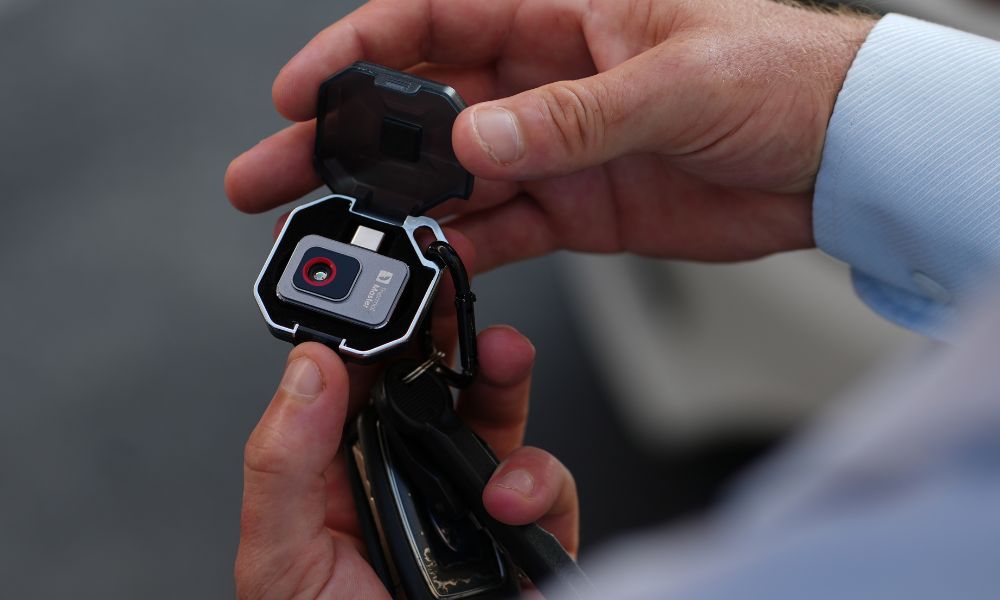
The Thermal Master P3 is a smartphone thermal imager designed for diagnosing electronic devices and performing microscopic-level inspections; it is compatible with both iPhone and Android devices. It focuses on detecting extremely small heat variations at the component level, which is essential in PCB repair and circuit analysis. It is particularly useful when dealing with complex electronic systems where precision matters more than coverage area.
Key Features:
- 256×192 IR Resolution (Enhanced to 512×384): Provides detailed imaging for identifying small hotspots
- ≤35mK Thermal Sensitivity: Detects micro-level temperature differences
- ~8mm Macro Focus Distance: Enables close inspection of electronic components
- ±2°C Measurement Accuracy: Can reduce errors in PCB inspection
- 1mA-Level Leakage Detection: Helps identify tiny current leaks in circuits
- −20°C to 600°C Measurement Range: Supports both electronics and general inspection

Thermal Master P4
The Thermal Master P4 is an all-in-one smartphone thermal camera designed specifically for Android users. It combines thermal and visible imaging, allowing you to switch between thermal, visual, and fusion modes instantly. This helps you locate heat sources more accurately during inspections. It’s ideal if you want a faster and more convenient multi-scenario inspection tool.
Key Features:
- 256×192 IR Resolution (512×384 Enhanced): Provides clearer thermal detail for accurate fault detection
- ≤35mK Thermal Sensitivity (NETD): Detects subtle temperature differences
- ±2°C Measurement Accuracy: Ensures reliable temperature readings
- −20°C to 600°C Range: Covers home, electrical, and industrial use
- Dual-Lens (Thermal + Visible): Improves target alignment and analysis
- Android USB-C Connection: Stable plug-and-play for Android devices
- IR Eraser Mode: Quickly switches between thermal and original views for easier fault confirmation

What Can You Do with a Thermal Imaging Camera for Phone?
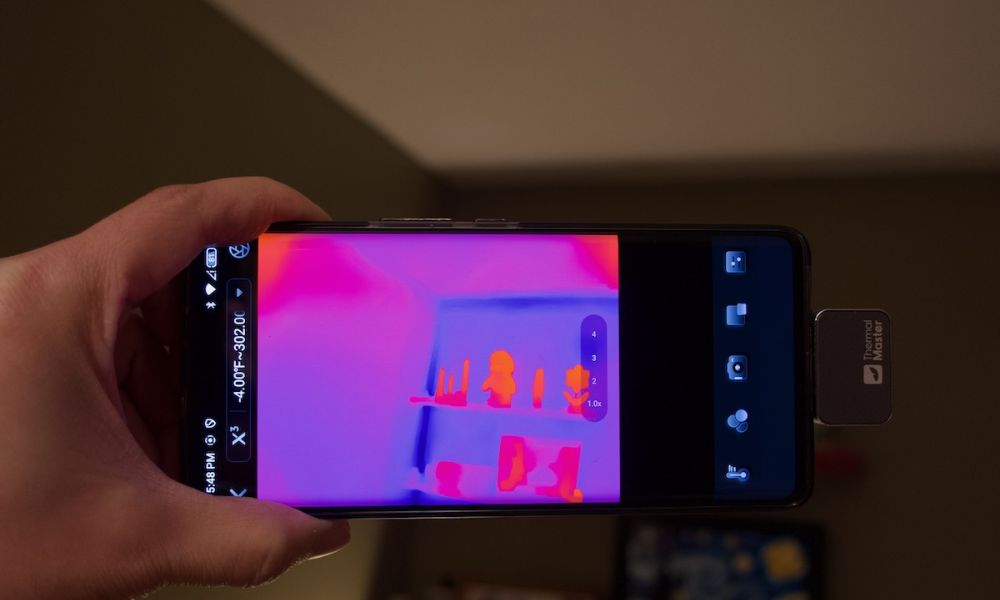
A thermal imaging camera for your phone allows you to detect problems that are not visible to the naked eye by analyzing temperature differences in real time. Instead of relying on guesswork, you can quickly identify abnormal heat patterns and locate issues with higher accuracy. This makes inspections faster, more efficient, and more reliable across different scenarios.
- Home Inspection: You can detect insulation gaps, hidden moisture, and heat loss areas without damaging walls. This helps reduce repair costs and improve energy efficiency.
- Electrical Troubleshooting: Overheating wires and loose connections appear as hot spots, allowing early detection of faults before they become dangerous.
- HVAC Diagnostics: You can analyze airflow and temperature differences to improve system performance and identify inefficiencies.
- Automotive Inspection: Engines and batteries show abnormal heat before failure, helping prevent breakdowns and improve safety.
- Outdoor Use: Thermal imaging improves visibility in low-light environments and helps detect heat sources that would otherwise remain hidden.
Who Should Use a Phone Thermal Imaging Camera?
Thermal imaging cameras for phones are designed for a wide range of users, offering both accessibility and performance. You don’t need advanced training to start, but the benefits increase with more specialized use. As your experience grows, you can take advantage of more advanced features and applications.
- DIY Homeowners: Detect leaks and insulation issues quickly without hiring professionals, saving both time and cost.
- Electricians & Technicians: Improve diagnostic speed and accuracy, reducing time spent troubleshooting.
- Engineers & Repair Specialists: Analyze heat distribution in electronics and mechanical systems for more precise diagnostics.
- Automotive Users: Monitor engine and battery performance to detect potential issues early.
- Outdoor Users: Enhance visibility in low-light environments and improve situational awareness.
Why Are Smartphone Thermal Cameras Becoming More Popular?
Smartphone thermal cameras are becoming more popular because they combine convenience, performance, and affordability in a single device. Instead of carrying separate equipment, you can use your phone as both the display and processing unit, which simplifies the entire workflow and reduces the need for additional tools.
They also improve efficiency in real-world use. You can capture thermal images, analyze data, and share results instantly, which is especially useful in fieldwork or professional inspections where quick decisions are required. This level of convenience significantly improves productivity.
Cost is another important factor. Compared to traditional thermal cameras, smartphone-based solutions are more affordable while still providing reliable performance. This makes thermal imaging accessible to a broader range of users, from homeowners to professionals, and contributes to its growing popularity.
Summary
The best thermal imaging camera for your phone depends on your specific needs. The P2 Pro offers the most complete performance for advanced diagnostics. The P2 provides the best balance between price and functionality. The P3 is ideal for PCB and electronics work, while the P1 is suitable for beginners. Choosing the right model helps you detect problems faster, improve efficiency, and reduce costs in real-world applications.
FAQ
What is the best thermal imaging camera for a phone?
The answer is it depends on your needs, because different scenarios require different features, so you can choose P2 Pro for advanced diagnostics or P2 for general use.
Are smartphone thermal cameras accurate?
The answer is yes, because most models provide ±1.5°C to ±2°C accuracy, so you can rely on them for inspections.
What resolution should I choose?
The answer is at least 256×192, because it provides enough detail to identify heat patterns clearly, so you can avoid misdiagnosis.
Can thermal cameras detect electrical problems?
The answer is yes, because heat differences reveal faults and resistance, so you can quickly locate overheating components.
Is a thermal camera for a phone worth it?
The answer is yes, because it offers powerful diagnostic capability at a lower cost, so you can solve problems faster without expensive tools.
Related Reading:

Leave a comment
All comments are moderated before being published.
This site is protected by hCaptcha and the hCaptcha Privacy Policy and Terms of Service apply.