



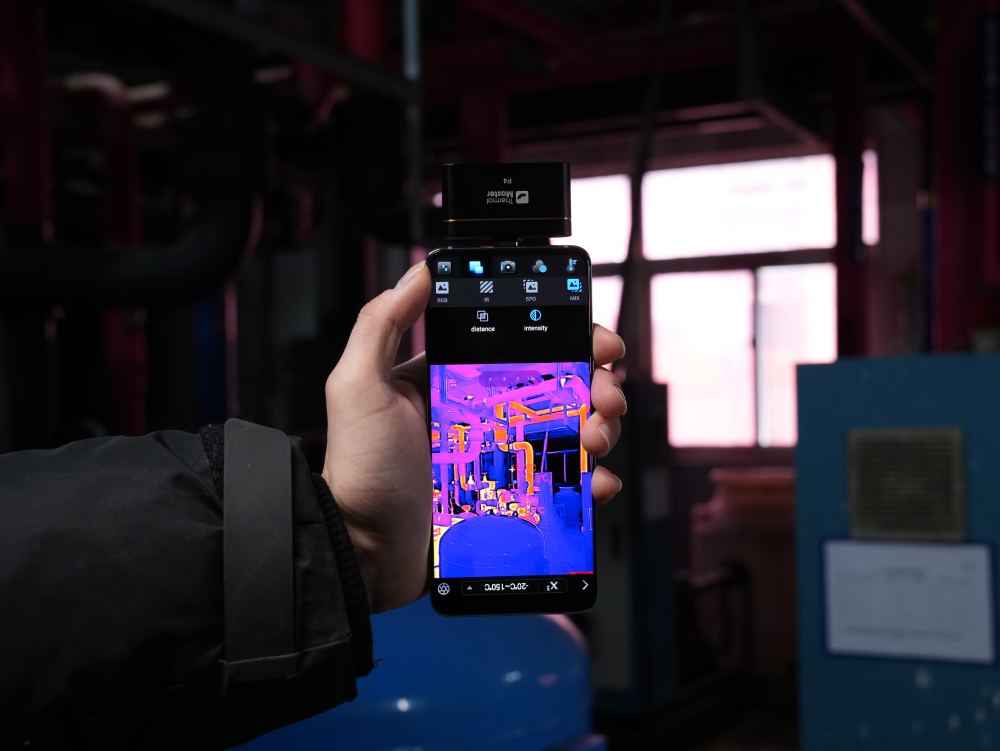
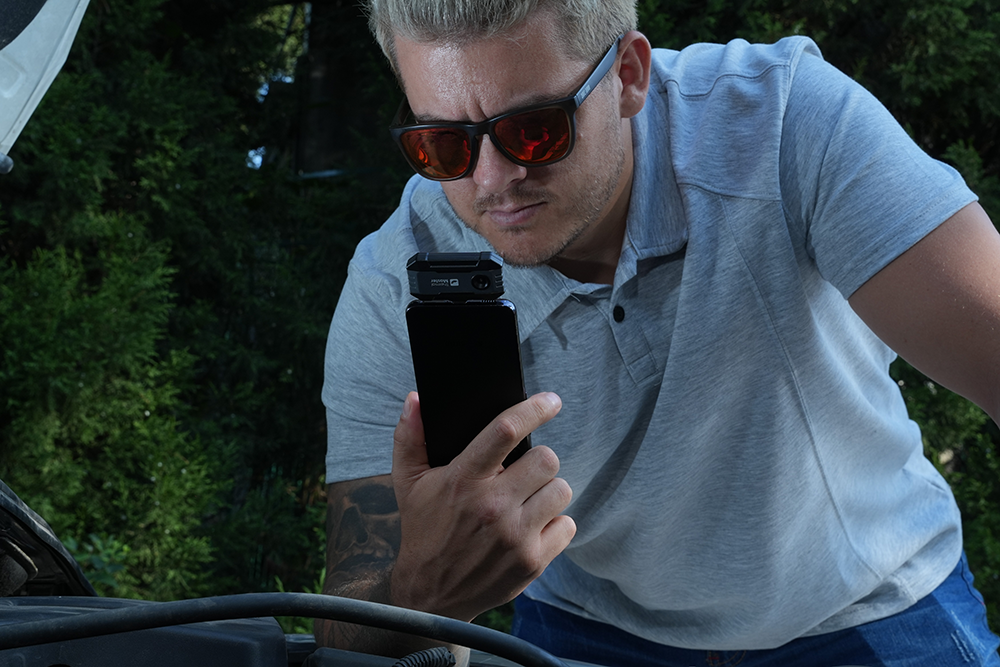
A small external thermal camera for Android can turn your phone into a useful inspection tool. It’s compact, easy to carry, and useful for checking homes, electrical equipment, HVAC systems, and electronics. The real question is whether a phone-based thermal camera is enough for the work you need to do.
How Does a Phone Turn Into a Thermal Camera?
A thermal camera for Android is a small external sensor that connects to the phone. It detects infrared radiation, converts temperature differences into a thermal image, and sends the image to an app on the phone.

The sensor handles thermal imaging, while the phone provides the screen and processing power. From there, you can view, record, and analyze the thermal image through the app.
What Can You Do With an Android Thermal Camera?
A phone thermal camera becomes useful when you need to find a temperature difference that you can't easily see or feel. The way you use it depends on the problem.
Checking Your Home
Anna moved into an older house and noticed a few areas stayed colder in winter. She used a P1 to scan the windows, door frames, and walls, finding a clear temperature difference around one window. She then checked the window sealing and insulation.
For this type of inspection, a thermal camera for Android can be useful because you can carry it with your phone and quickly scan different areas without bringing a larger thermal imaging device.

Finding Electrical Problems
One electrician I spoke with keeps a phone thermal camera in his tool bag for quick checks. He scans breakers and connections under load and checks the one that runs noticeably hotter.

Troubleshooting Electronics
For PCB work, thermal imaging can save a lot of time when the board looks normal, but something is still wrong. Power the board, reproduce the fault, and scan it. A single hot IC or MOSFET can stand out from everything around it and give you a place to start.
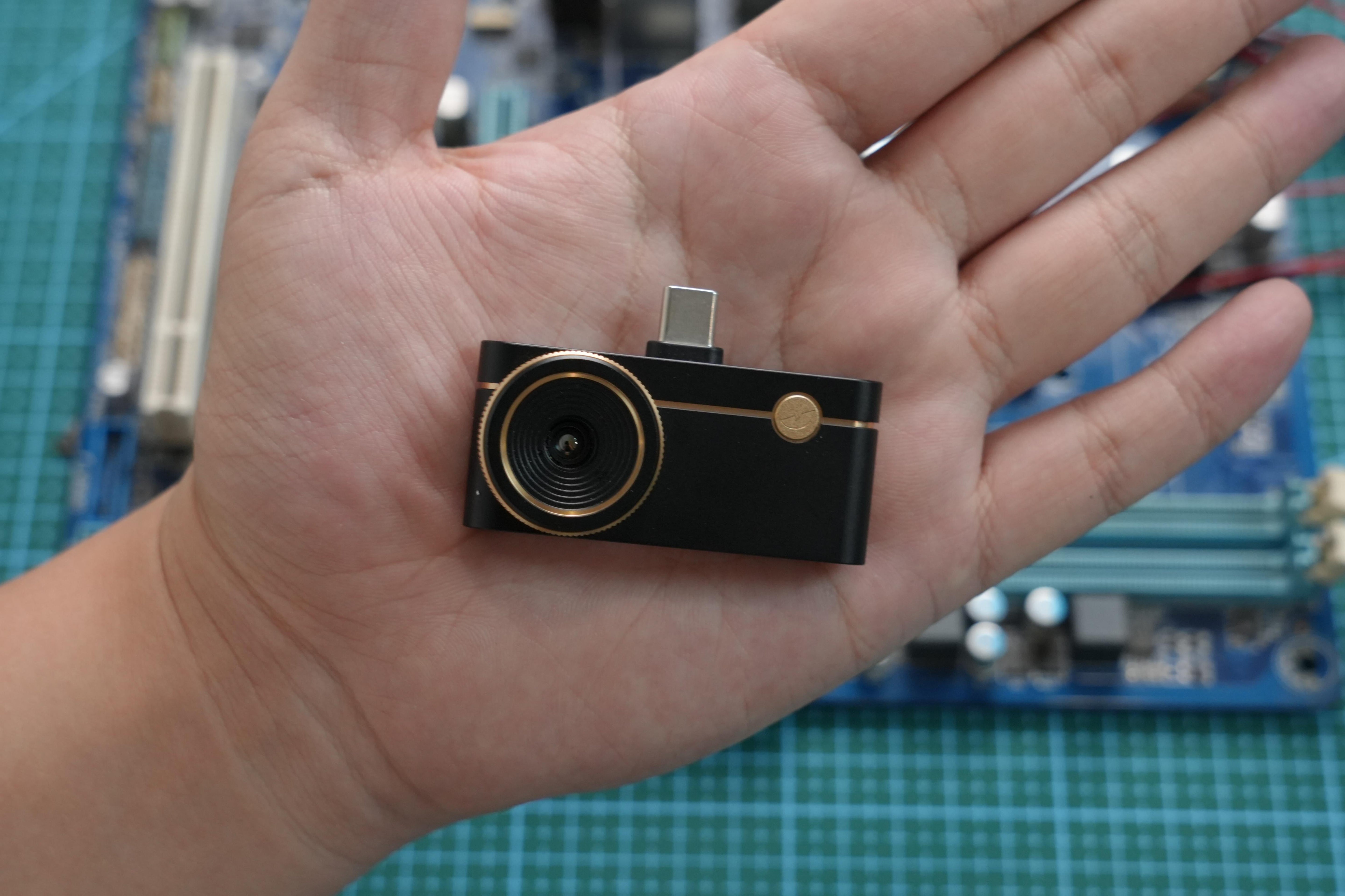
For this kind of close-up inspection, the P3's manual focus makes it easier to examine small components. Compared with a basic thermal camera for Android, the adjustable focus gives you more control when working close to a PCB.
Checking HVAC and Mechanical Equipment
A quick scan of a running motor, compressor, or duct can show where heat is building up. P4 uses dual cameras to align the visible and thermal images. For example, when checking a piece of equipment, you can mark over its label or another specific area in the image to reveal the visible-light view there while keeping the rest of the image in thermal mode. There is no need to edit the image again afterward.

For routine HVAC and mechanical checks, a thermal camera for Android can provide a convenient way to spot temperature differences without carrying a dedicated handheld thermal camera.
Which Thermal Camera Works Best for Android?

The right choice depends on what you plan to inspect.
For homeowners, the P1 keeps things simple. It’s a good fit for basic checks around the house.
When it gets down to the PCB, the P3 makes more sense. Manual focus gives you more control when you’re working close to the board and trying to separate small components.

If you need to separate thermal and visible-light areas, the P4 is worth considering. Its AI dual-light feature lets you keep areas such as model numbers or equipment labels visible without covering them with the thermal image.
A thermal camera for Android is a simple way to add thermal imaging to the phone you already carry.
A thermal camera for Android is a simple way to add thermal imaging to the phone you already carry.
Read More
Thermal Cameras for PCB Inspection: 3 Ways to Improve Troubleshooting Efficiency
How to Choose the Right Thermal Camera for Electrical Panel Inspection
Handheld Thermal Imagers for HVAC: How to Choose the Right Inspection Camera

Hinterlasse einen Kommentar
Alle Kommentare werden vor der Veröffentlichung geprüft.
Diese Website ist durch hCaptcha geschützt und es gelten die allgemeinen Geschäftsbedingungen und Datenschutzbestimmungen von hCaptcha.