



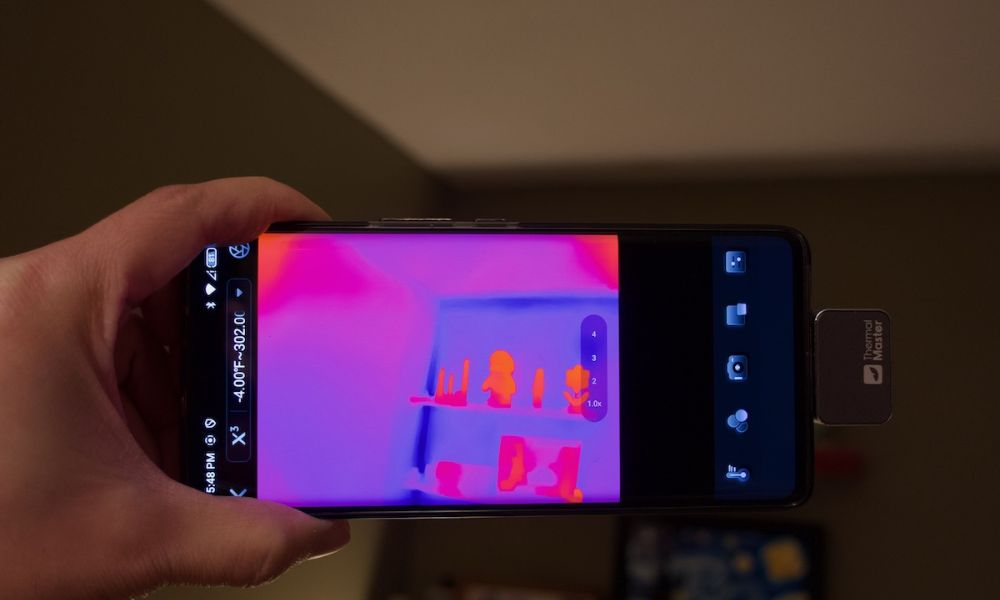
Regelmäßige Reinigung, Kalibrierung und Inspektion von Wärmebildkameras gewährleisten genaue Messwerte und eine konsistente Leistung während des Gebrauchs. Eine ordnungsgemäße Wartung hilft, ungenaue Ergebnisse zu vermeiden und verlängert die Lebensdauer des Geräts. Im Folgenden führen wir Sie durch die Schritte zur Wartung Ihrer Wärmebildausrüstung, um Ihre Wärmebildkamera in optimalem Betriebszustand zu halten.
Was ist das Grundprinzip der Wartung von Wärmebildgeräten?
Wärmebildkameras funktionieren, indem sie Infrarotstrahlung erfassen, sodass ihre Genauigkeit stark von der Sensorstabilität und der Klarheit der Linse abhängt. Schon kleine Probleme wie Staub, Temperaturdrift oder falsche Einstellungen können die Messergebnisse direkt beeinflussen.
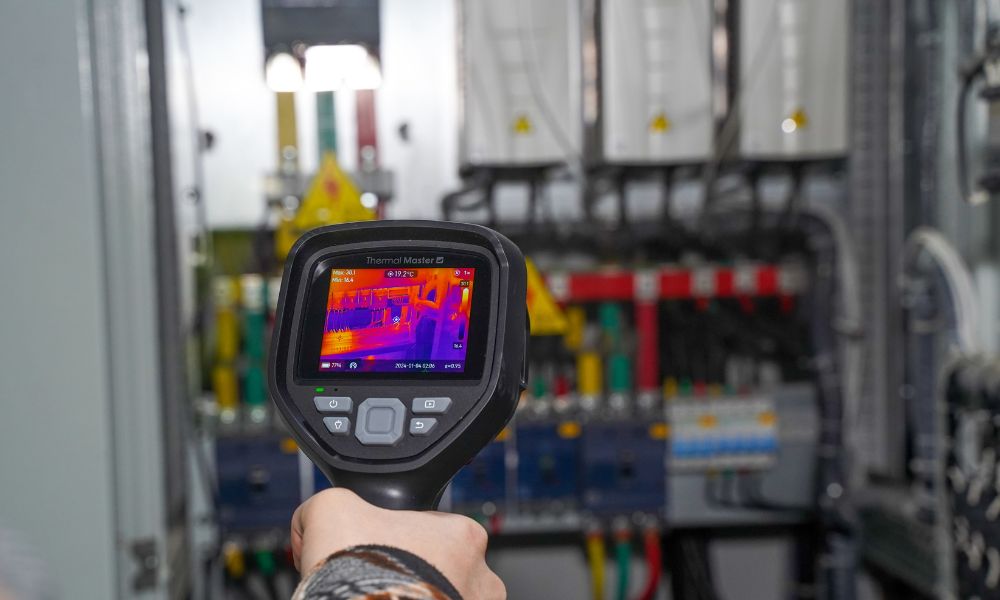
Im praktischen Einsatz ist Ihr Gerät Umwelteinflüssen wie Feuchtigkeit, Temperaturschwankungen und physischer Handhabung ausgesetzt. Im Laufe der Zeit können diese Faktoren zu unscharfen Wärmebildern oder einer ungenauen Hotspot-Erkennung führen. Wenn Sie beispielsweise elektrische Anlagen überprüfen, kann eine leicht verschmutzte Linse es erschweren, überhitzte Komponenten zu identifizieren.
Wartung ist nicht nur das Reinigen der Oberfläche. Dazu gehört auch, den Sensor kalibriert zu halten, sicherzustellen, dass die Software auf dem neuesten Stand ist, und das Gerät ordnungsgemäß zu lagern. Wenn diese Aspekte gut gemanagt werden, kann Ihre Wärmebildkamera konsistente und zuverlässige Ergebnisse liefern.

Wie warten Sie Wärmebildgeräte Schritt für Schritt?
Schritt 1: Reinigen Sie die Linse vorsichtig
Die Linse ist der empfindlichste Teil Ihrer Wärmebildkamera, da sie direkt beeinflusst, wie Infrarotenergie den Sensor erreicht. Verwenden Sie ein Mikrofasertuch und vermeiden Sie Druck oder aggressive Reinigungsmittel. Selbst geringe Verunreinigungen können die Bildklarheit verringern und zu ungenauen Messwerten während der Inspektionen führen.
Schritt 2: Überprüfen Sie die Temperaturgenauigkeit
Wärmebildkameras benötigen eine präzise Kalibrierung. Sie sollten gelegentlich Messwerte mit einer bekannten Wärmequelle oder einem Referenzobjekt vergleichen, um die Genauigkeit zu bestätigen. Geräte wie das Thermal Master P2 Pro halten typischerweise eine Genauigkeit von ±2 °C ein, aber regelmäßige Überprüfungen stellen sicher, dass diese Leistung konstant bleibt.
Schritt 3: Halten Sie die Software auf dem neuesten Stand
Firmware- und App-Updates enthalten oft Verbesserungen bei der Bildverarbeitung und Temperatursanalyse. Die Verwendung veralteter Software kann die Leistung einschränken oder Fehler verursachen. Wenn Sie Ihr System auf dem neuesten Stand halten, gewährleisten Sie einen reibungsloseren Betrieb und eine bessere Bildqualität.
Schritt 4: Überwachen Sie die Stromstabilität
Egal, ob Sie ein Handgerät oder eine Smartphone-Wärmebildkamera verwenden, stabile Stromversorgung ist unerlässlich. Überprüfen Sie den Batteriezustand oder die Telefonkompatibilität, um Unterbrechungen während der Inspektionen zu vermeiden, insbesondere bei langen Sitzungen.
Schritt 5: Lagern Sie die Ausrüstung ordnungsgemäß
Die richtige Lagerung schützt interne Komponenten vor Beschädigungen. Bewahren Sie Ihr Gerät in einer trockenen, sauberen Umgebung auf und vermeiden Sie extreme Temperaturen. Längere Exposition gegenüber Hitze oder Feuchtigkeit kann die Sensorleistung beeinträchtigen und die Lebensdauer verkürzen.

Welche gängigen Anwendungsszenarien erfordern regelmäßige Wartung?
Regelmäßige Wartung wird wichtiger, wenn Ihre Wärmebildkamera häufig oder in anspruchsvollen Umgebungen eingesetzt wird.
- Elektrische Inspektionen: Genaue Messwerte sind entscheidend für die Erkennung von überhitzten Kabeln oder fehlerhaften Verbindungen
- Gebäudediagnose: Zur Identifizierung von Isolationsproblemen sind klare und stabile Wärmebilder erforderlich
- Automotive-Tests: Eine konstante Leistung ist bei der Diagnose von Batterieentladung oder Motorhitze erforderlich
- Industrielle Überwachung: Langfristige Zuverlässigkeit ist für die Gerätewartung und Fehlervermeidung unerlässlich
In all diesen Szenarien können selbst kleine Ungenauigkeiten zu falschen Schlussfolgerungen führen, weshalb die Wartung eine Schlüsselrolle spielt.
Worauf sollten Sie bei der Wartung einer Wärmebildkamera achten?
Gute Wartungsgewohnheiten gehen über grundlegende Reinigung und Überprüfungen hinaus. Die Art und Weise, wie Sie das Gerät verwenden, beeinflusst auch dessen langfristige Leistung.
- Vermeiden Sie es, die Kamera über längere Zeit direkter Sonneneinstrahlung auszusetzen
- Verwenden Sie die richtigen Emissionsgradeinstellungen für verschiedene Materialien
- Schützen Sie das Gerät vor Stürzen oder starken Stößen
- Halten Sie das System und die App regelmäßig auf dem neuesten Stand
Durch die Kombination von ordnungsgemäßer Handhabung mit routinemäßiger Wartung können Sie sowohl die Genauigkeit als auch die Haltbarkeit erheblich verbessern.

Welche Wärmebildausrüstung ist einfacher zu warten?
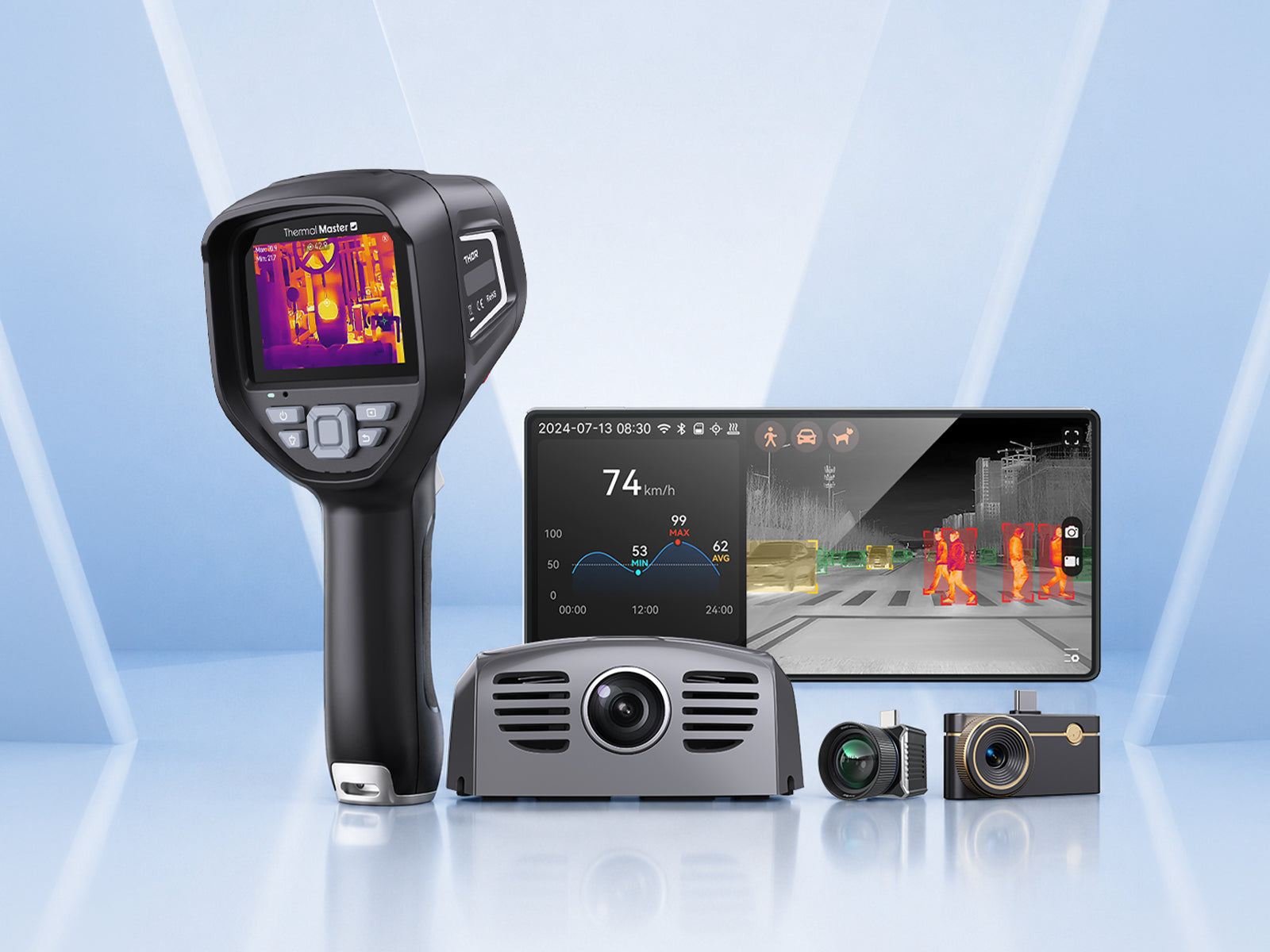
Moderne Wärmebildkameras sind so konzipiert, dass sie den Wartungsaufwand reduzieren und gleichzeitig die Leistung aufrechterhalten. Thermal Master-Geräte konzentrieren sich auf Effizienz, Portabilität und stabile Bildgebung.
Thermal Master P2 Pro
Die Thermal Master P2 Pro ist ein smartphone-kompatibles Wärmebildgerät, das für den Einsatz in der Elektrik-, HLK- und Gebäudeinspektion entwickelt wurde. Es verbindet sich direkt mit Ihrem Smartphone, was die Wartung erleichtert. Da keine Batterien verwaltet oder das System kalibriert werden muss, können Sie Bilder mit Auflösungen von 256×192 und 512×384 aufnehmen. Dadurch können Sie thermische Probleme schnell und ohne Wartungsaufwand identifizieren.
Hauptmerkmale:
- 256×192 IR-Auflösung (bis zu 512×384): Klare thermische Details für präzise Diagnosen
- ≤40mK Empfindlichkeit: Erkennt kleine Temperaturunterschiede in elektrischen Systemen
- ±2°C Genauigkeit: Zuverlässige Messung für professionelle Inspektionen
- 0,33 W Stromverbrauch: Geringer Stromverbrauch bei Verbindung mit einem Smartphone
- Makroobjektiv-Unterstützung: Ermöglicht detaillierte Nahinspektionen kleiner Komponenten

Thermal Master Thor Serie
Die Thermal Master Thor-Serie wurde für den Einsatz in anspruchsvollen Umgebungen entwickelt und bietet Langlebigkeit und konstante Leistung. Sie verfügt über einen eingebauten Akku, eine robuste Konstruktion und ein präzises Kalibrierungssystem mit einer Genauigkeit von ±1,5 °C für das Modell 001 und ±2 °C für das Modell 002. Dies macht sie für Inspektionen in Fabriken, Außenbereichen und anderen Umgebungen geeignet.
Hauptmerkmale:
- ±1,5°C\±2°C Genauigkeit: Hohe Präzision für industrielle Diagnosen
- 512×384 Superauflösung: Verbesserte Bildklarheit für detaillierte Inspektionen
- ≤35mK\≤40mK NETD: Erfasst subtile Temperaturschwankungen
- Lange Akkulaufzeit: Unterstützt längere Inspektionssitzungen
- Robuste Struktur: Entwickelt für raue Arbeitsumgebungen

Zusammenfassung
Die Wartung von Wärmebildgeräten ist unerlässlich, wenn Sie im Laufe der Zeit genaue und zuverlässige Ergebnisse erzielen möchten. Einfache Maßnahmen wie die Reinigung der Linse, die Überprüfung der Kalibrierung, die Aktualisierung der Software und die ordnungsgemäße Lagerung des Geräts können die meisten Leistungsprobleme verhindern. Egal, ob Sie eine Smartphone-Wärmebildkamera oder ein Handgerät verwenden, eine konsequente Wartung gewährleistet bessere Inspektionsergebnisse und eine längere Lebensdauer der Ausrüstung.
FAQ
Wie oft sollte man eine Wärmebildkamera warten?
Die Antwort lautet: Es hängt davon ab, wie oft Sie sie benutzen, denn häufiger Gebrauch erfordert regelmäßigere Kontrollen, sodass Sie die Genauigkeit ohne unnötigen Aufwand aufrechterhalten können.
Kann eine verschmutzte Linse die Wärmebildergebnisse beeinflussen?
Die Antwort lautet ja, denn Verunreinigungen können Infrarotsignale blockieren, sodass Sie ungenaue Messwerte vermeiden können, indem Sie die Linse sauber halten.
Benötigen Wärmebildkameras eine Kalibrierung?
Die Antwort lautet ja, denn Sensoren können im Laufe der Zeit driften, sodass Sie mit regelmäßigen Kontrollen genaue Messungen gewährleisten können.
Ist ein Software-Update für Wärmebildkameras wichtig?
Die Antwort lautet ja, denn Updates verbessern die Leistung und beheben Probleme, sodass Ihr Gerät reibungslos funktioniert.
Was passiert, wenn Sie Ihre Wärmebildkamera nicht warten?
Die Antwort ist, dass die Leistung abnehmen wird, weil Schmutz und Kalibrierungsdrift die Genauigkeit beeinflussen, sodass Sie Fehler mit regelmäßiger Wartung vermeiden können.


Hinterlasse einen Kommentar
Alle Kommentare werden vor der Veröffentlichung geprüft.
Diese Website ist durch hCaptcha geschützt und es gelten die allgemeinen Geschäftsbedingungen und Datenschutzbestimmungen von hCaptcha.